PixComic guides
AI comic guides for prompts, styles, and characters
Practical guides that connect directly to the PixComic creator, not generic AI art advice.
Featured · 8 min read
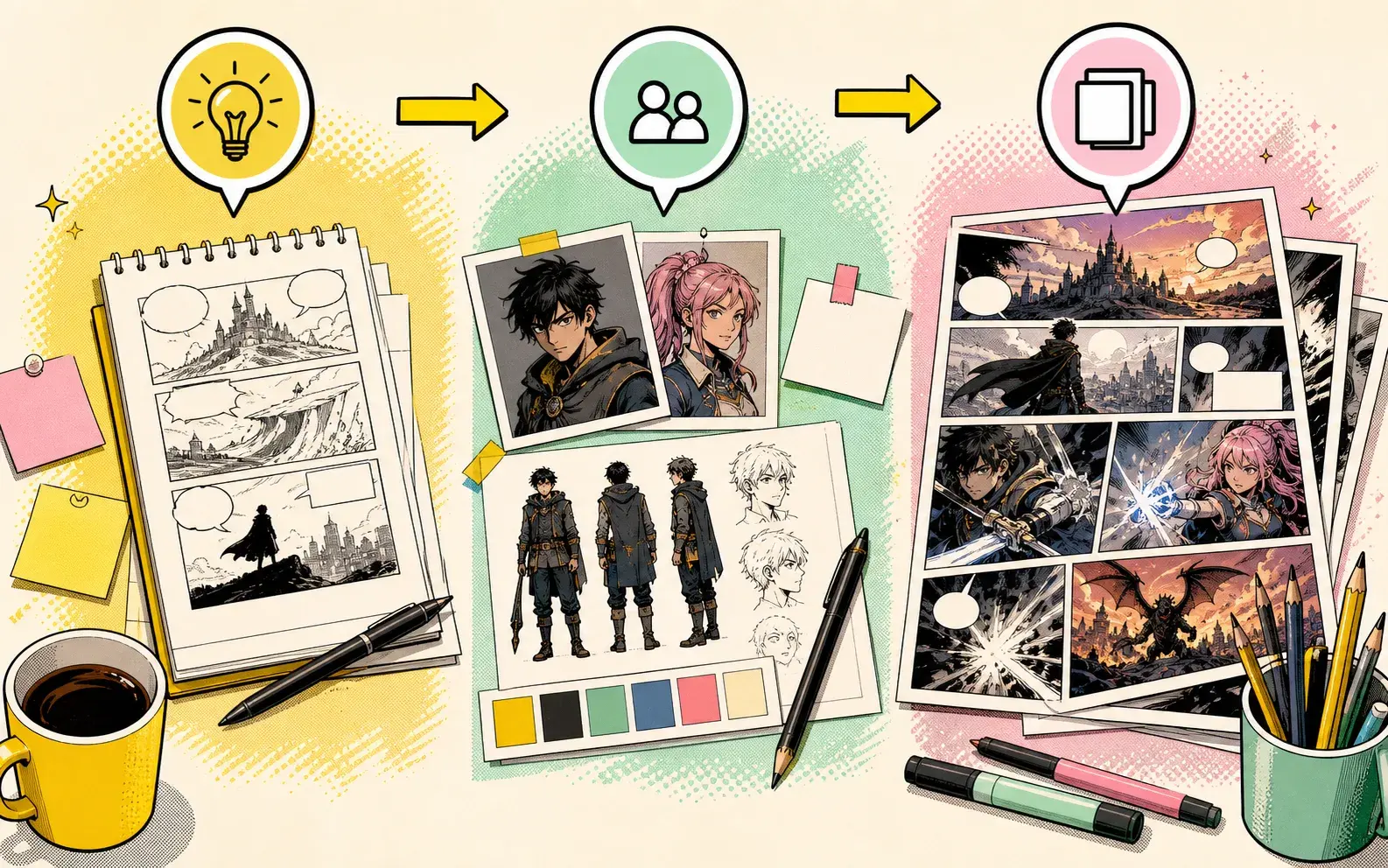
AI Comic Generator Guide: From Idea to Finished Comic Pages
Learn the full PixComic workflow for turning a story idea into comic pages with prompts, reusable characters, style choices, and continuation.
Latest guides
Build better comic pages with the existing PixComic workflow
6 min read
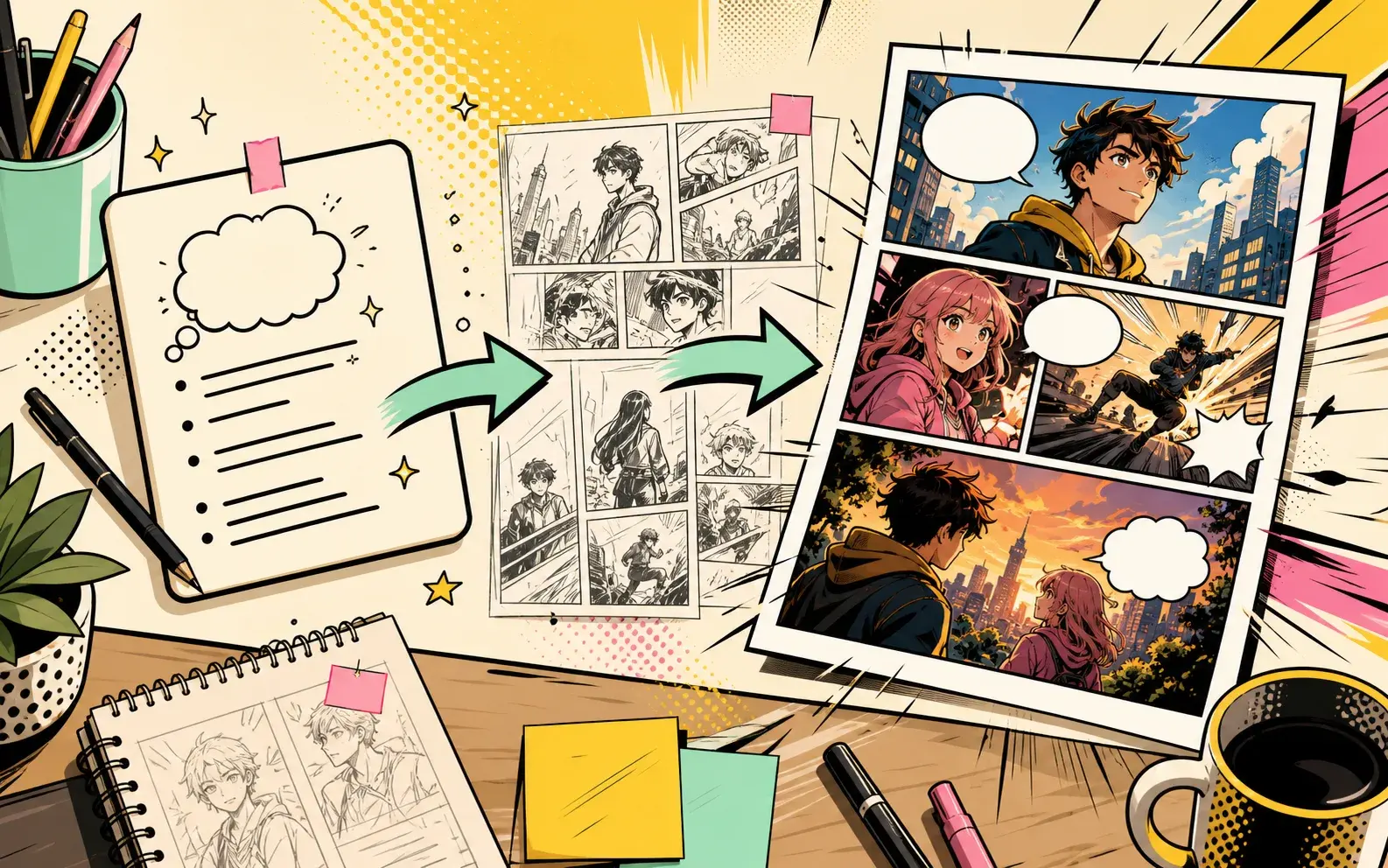
Best AI Comic Prompts for Story-Driven Pages
A practical prompt framework for turning a short idea into a readable AI comic with cast, setting, conflict, and visual style.
5 min read
How to Turn a Story Into a Comic With AI
Break a story into a visual beat, choose a style, create characters, and generate comic pages you can continue.
5 min read
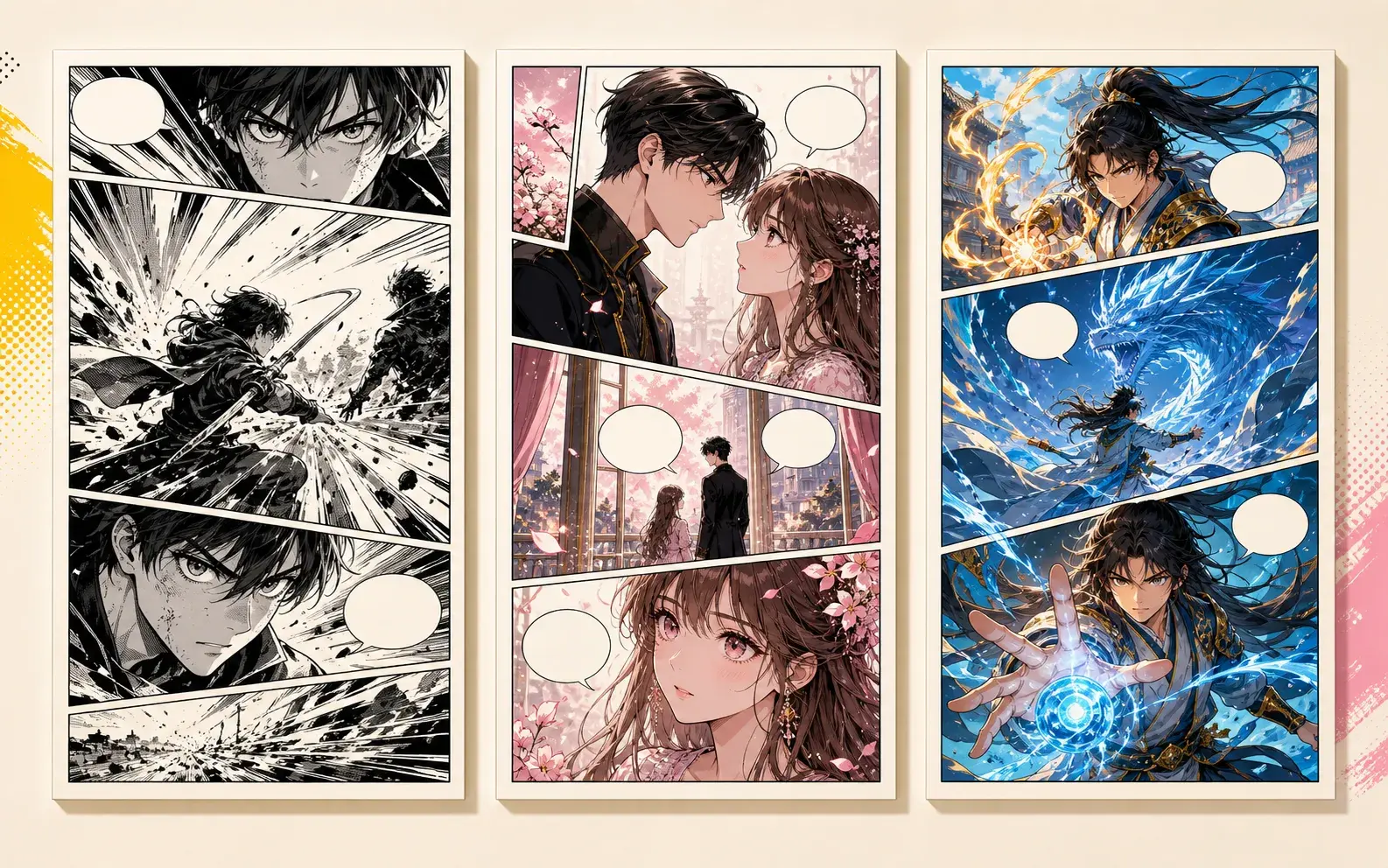
Manga vs Manhwa vs Manhua: Which AI Comic Style Should You Use?
A practical guide to choosing manga, manhwa, or manhua based on story tone, genre, and character emotion.
4 min read
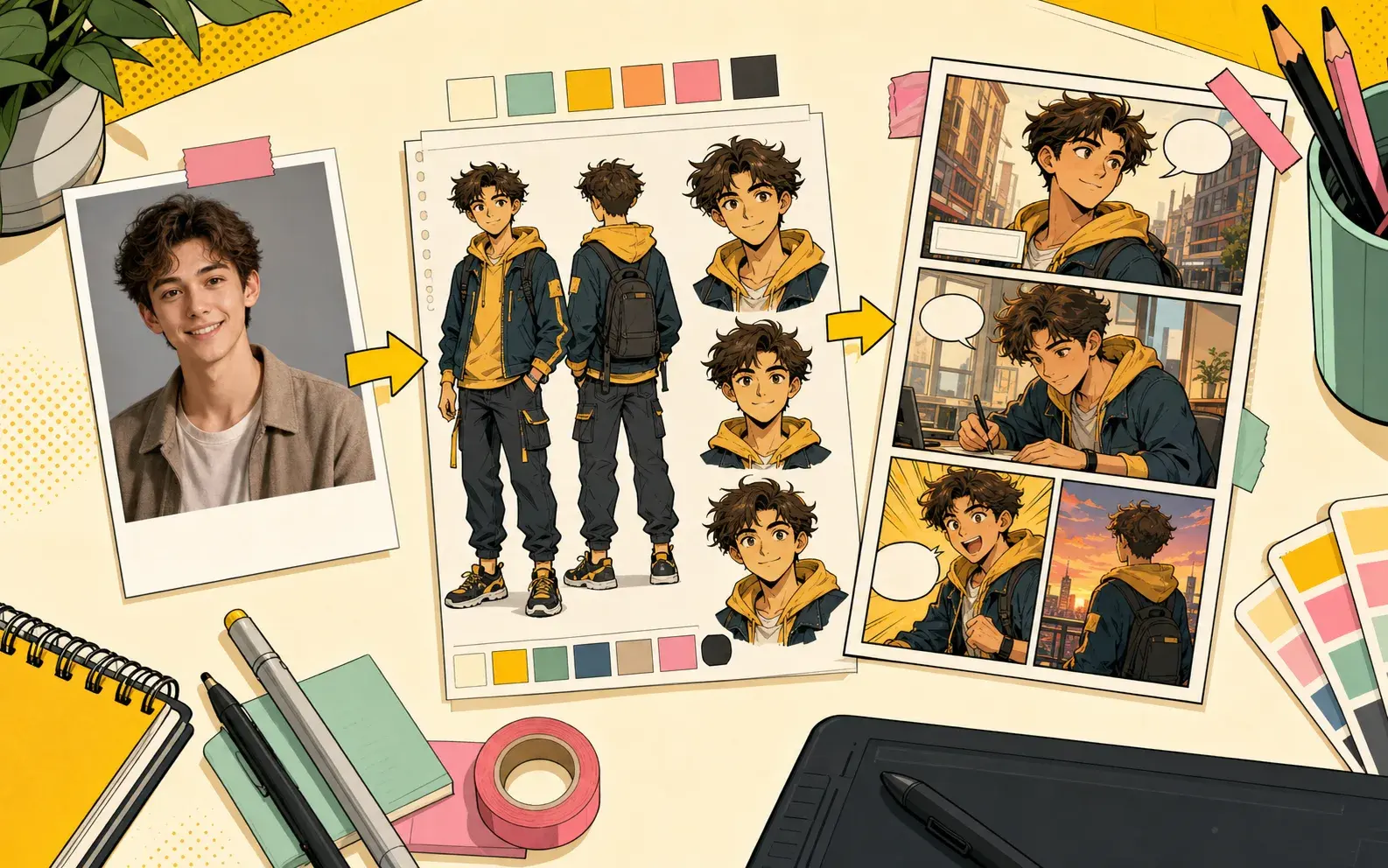
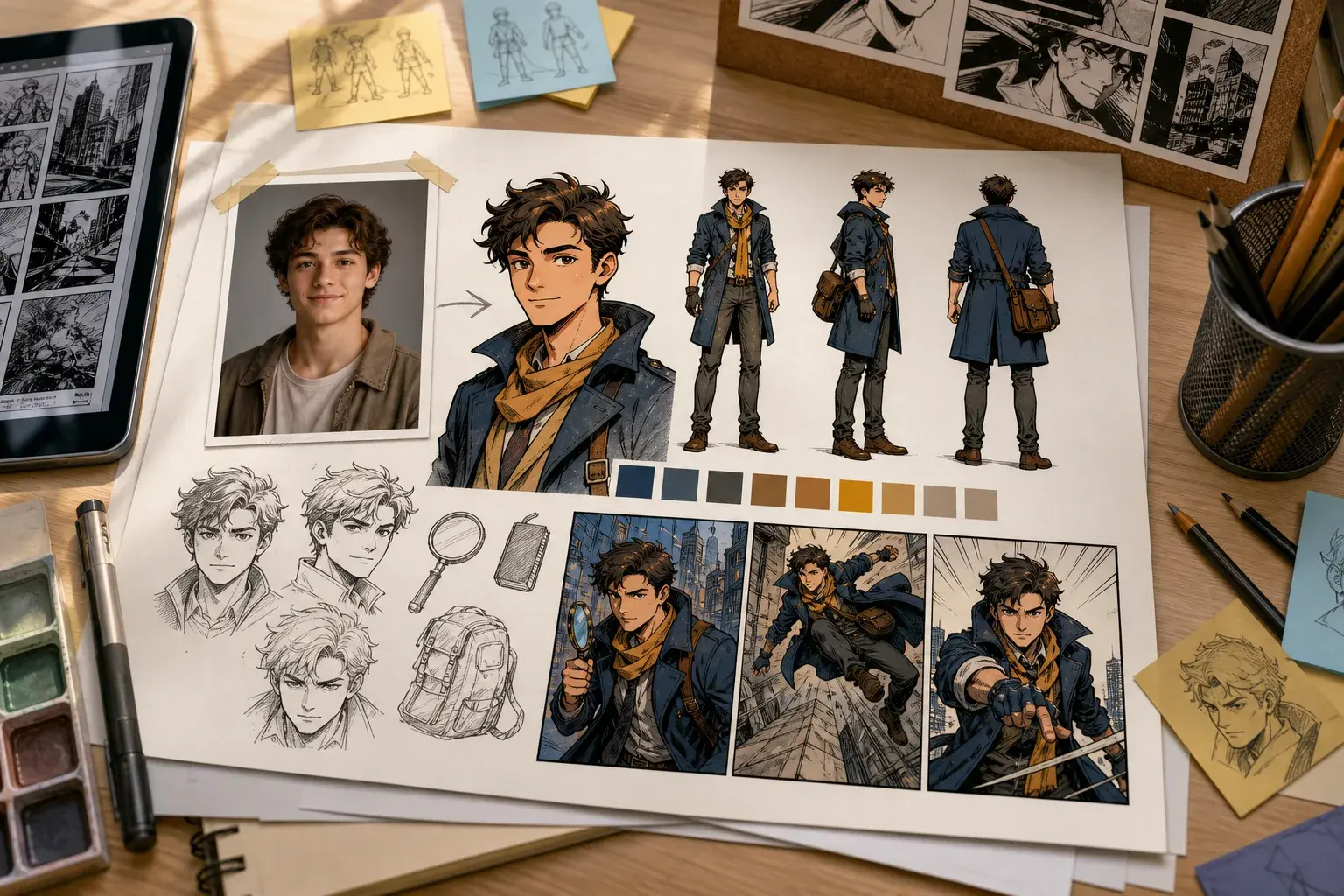
How to Make a Comic Character From a Photo
Use a clear avatar photo, add a concise character description, then reuse the character in comic prompts.
7 min read
How to Make Consistent AI Comic Characters
Consistency starts with reusable characters, clear story roles, and prompts that describe behavior instead of rewriting the character from zero.
7 min read
AI Webtoon Generator Workflow for Manhwa-Style Comics
Use manhwa-style prompts, emotional cliffhangers, and scene-by-scene continuation to plan webtoon-inspired comic pages.
6 min read
How to Make a Comic From a Photo With AI
A photo can start the character, but the comic becomes stronger when you add role, personality, setting, and a clear scene prompt.
7 min read
AI Comic Prompt Examples You Can Use in PixComic
Use prompt examples that describe cast, setting, conflict, style, and the final panel instead of asking for a vague comic image.
8 min read
Story to Comic Script Guide for AI Comic Pages
A comic script for AI generation should be shorter than a screenplay but more structured than a one-line image prompt.
8 min read
AI Comic Book Maker Guide: Plan a First Chapter
A first chapter should prove the story quickly: introduce the lead, show a conflict, and end with a reason to keep reading.
7 min read
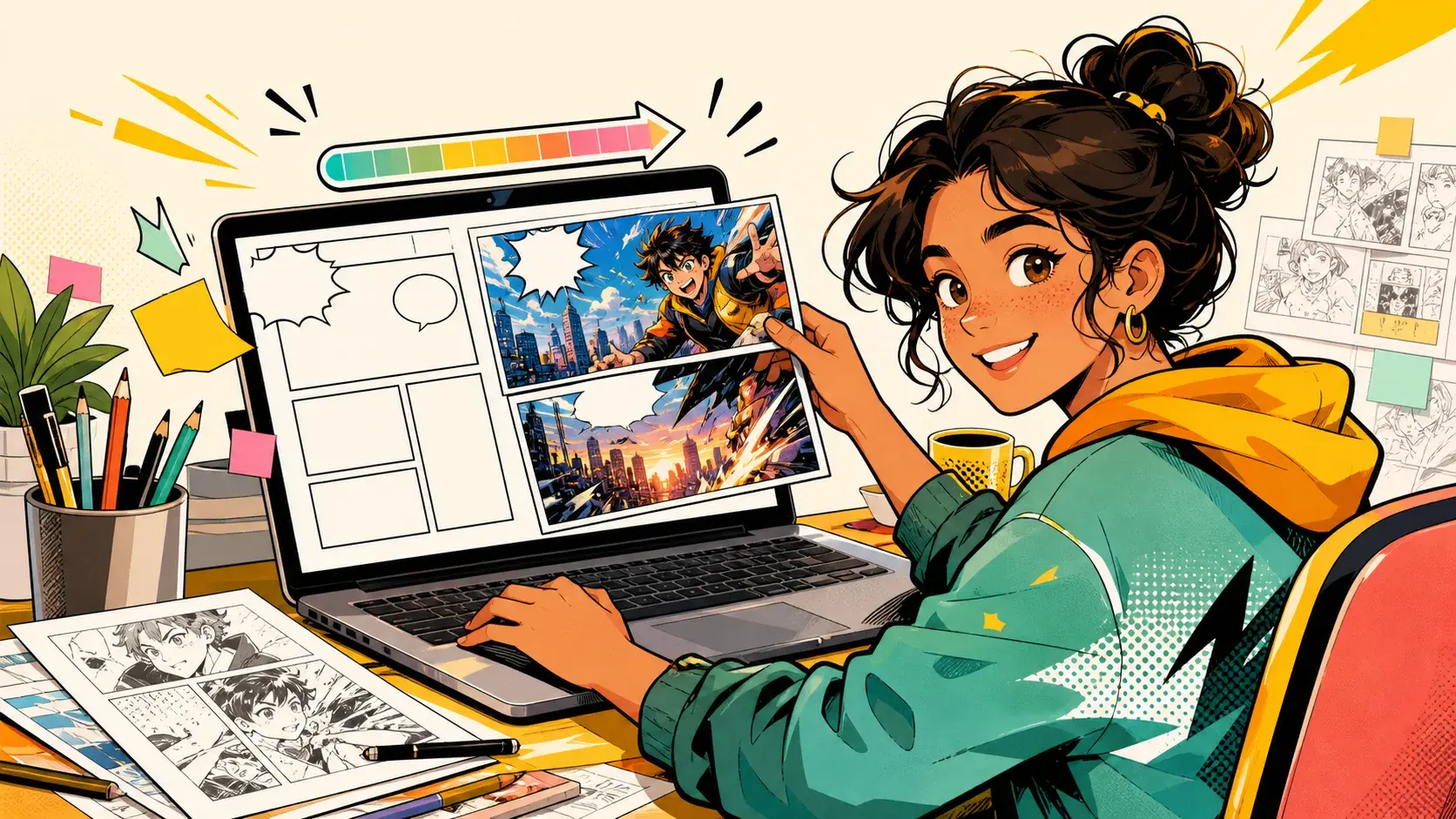
AI Comic Character Sheet Guide for Consistent Casts
A character sheet helps keep an AI comic cast consistent because it records who the character is, not only what they look like.
8 min read
Free AI Comic Generator: What to Try First
A practical guide for evaluating a free AI comic generator without wasting your first prompts on vague ideas or overloaded story requests.
8 min read
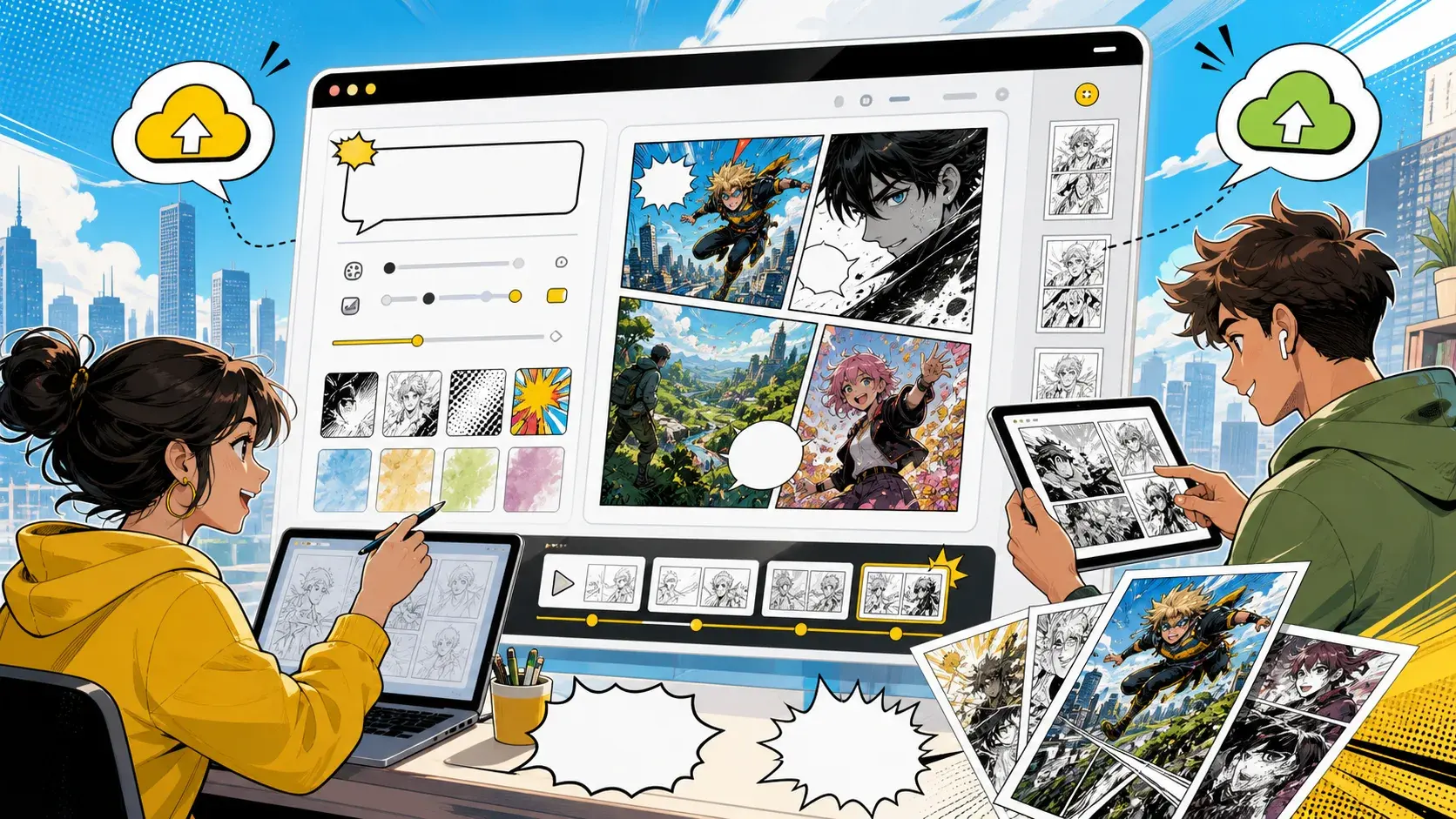
AI Comic Generator Online: Browser Workflow for Comic Pages
An online AI comic generator should help you move from idea to pages without installing a drawing tool or rebuilding the same character every time.
8 min read
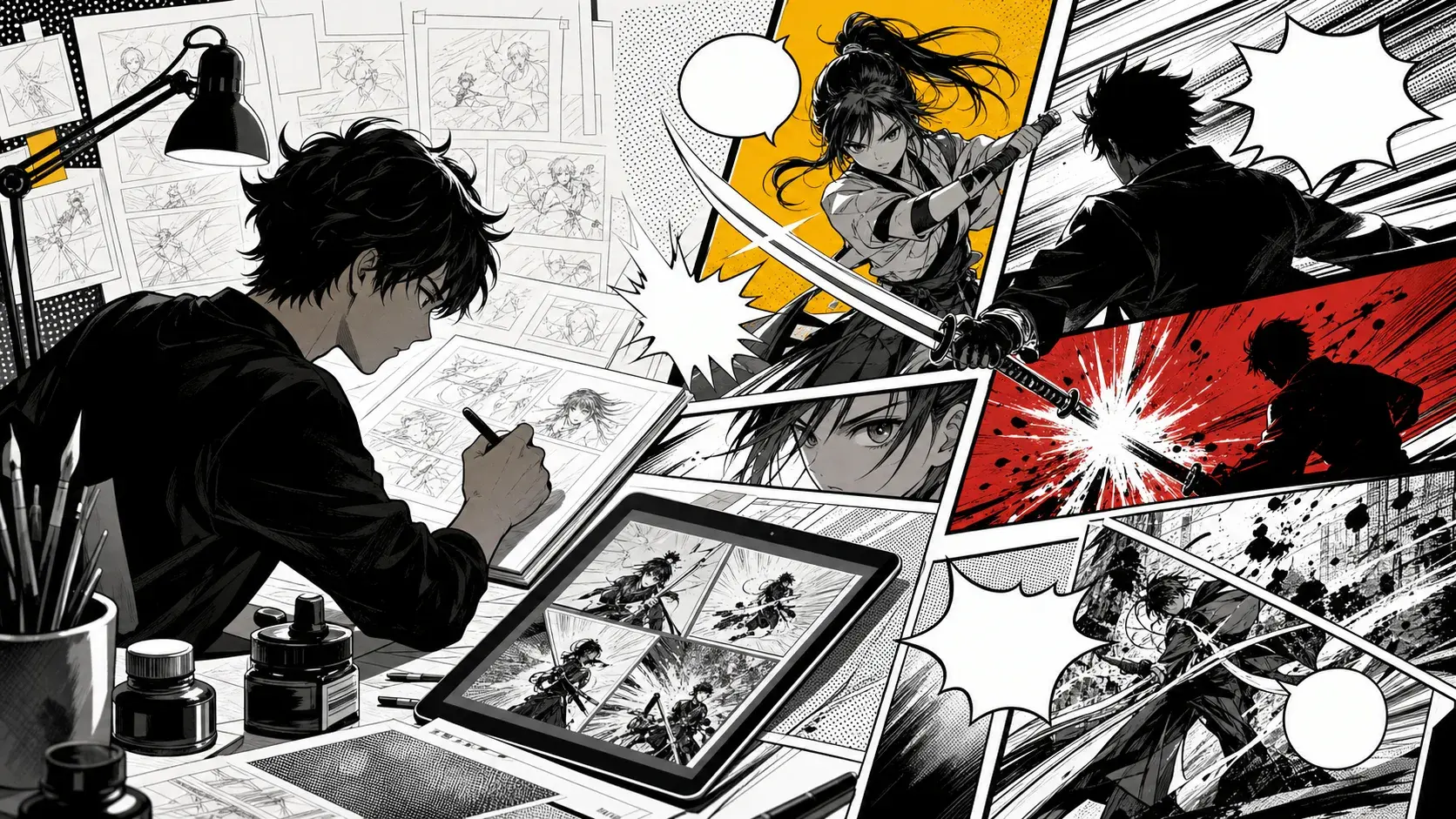
AI Manga Comic Generator: Prompts, Styles, and Page Flow
Manga-style AI comics work better when the prompt describes emotion, movement, panel contrast, and the final reveal instead of only asking for manga art.
7 min read
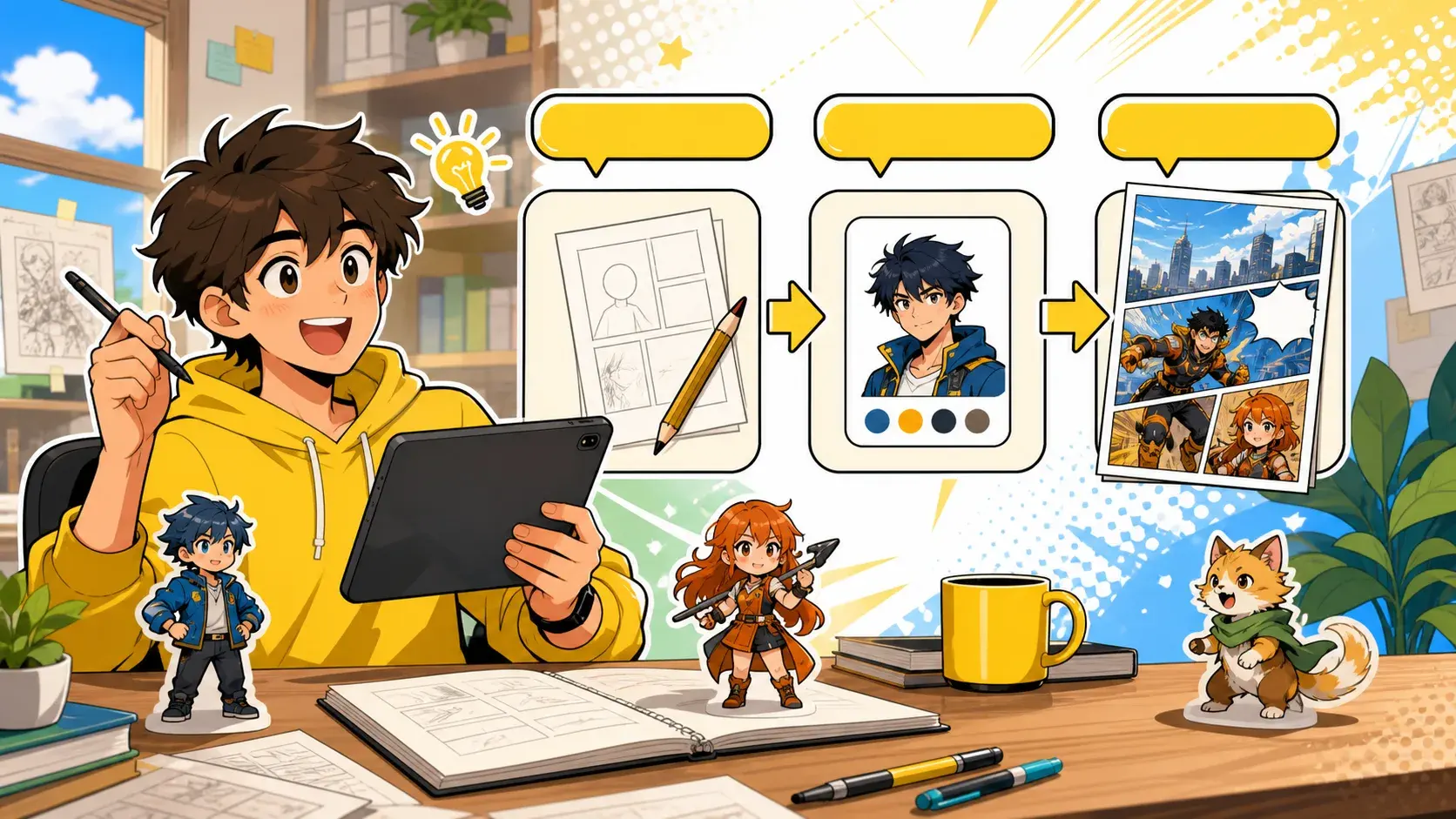
Comic Maker for Beginners: Make Your First AI Comic
You do not need a full script to make your first AI comic. Start with one scene, one conflict, one style, and one final reveal.
8 min read
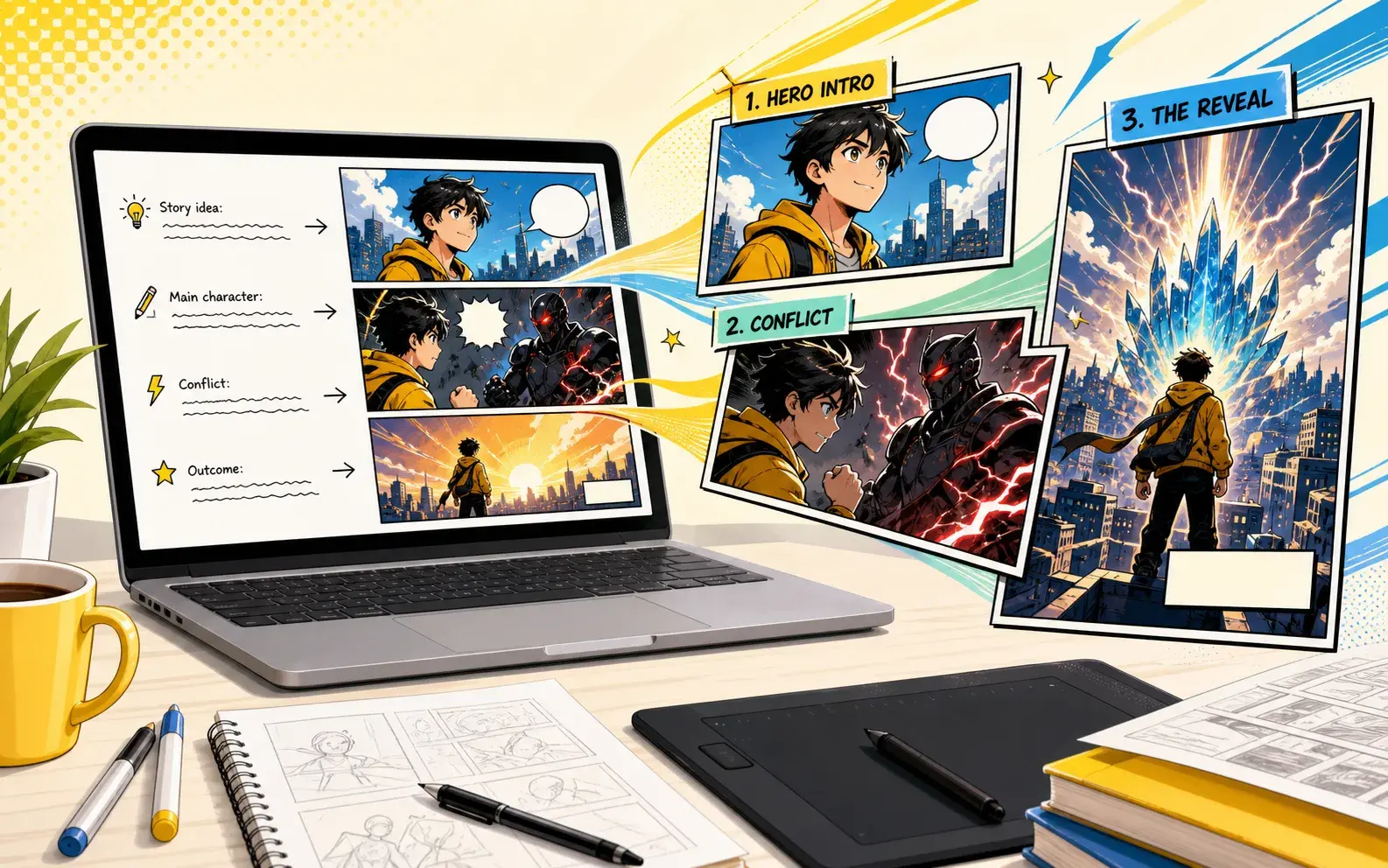
Text to Comic Generator: Turn Prompts Into Comic Pages
A text prompt becomes a better comic when it describes a scene sequence, not only a picture. Start with cast, setting, conflict, style, and a final beat.
8 min read
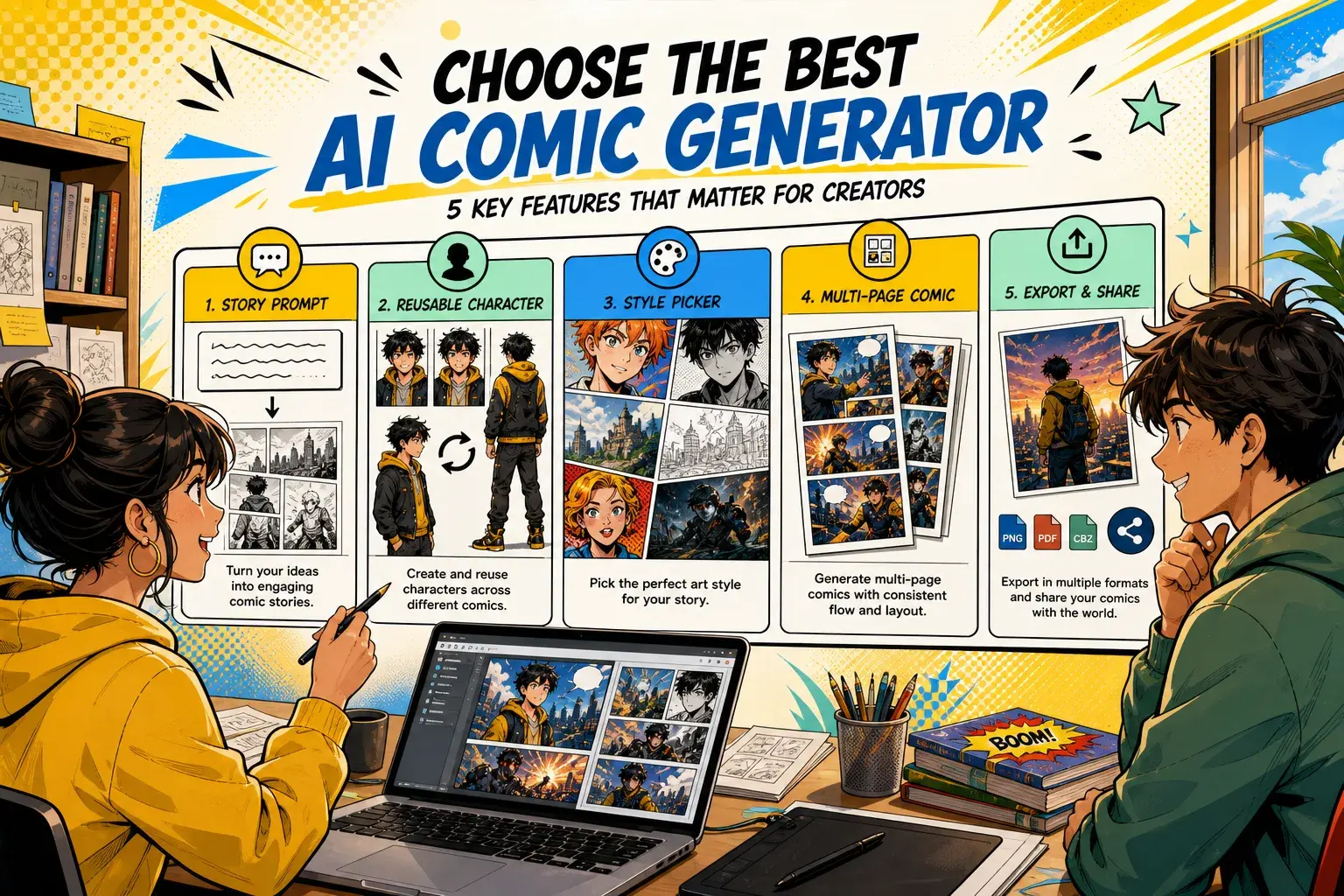
Best AI Comic Generator: What Features Actually Matter
The best AI comic generator is not the one with the most buzzwords. It is the one that helps you move from idea to readable pages and keep improving the story.
7 min read
AI Comic Strip Generator: Make Short Comic Scenes
Short strips work best when the prompt has a clear setup, one twist, and a final visual payoff instead of a broad story outline.
7 min read
How to Make Comics Without Drawing
You can make a first comic without drawing skills if you treat AI as a scene workflow: plan one moment, define the cast, pick a style, and improve the prompt.
8 min read
AI Comic Maker Online: Create Comic Pages From a Scene Prompt
An AI comic maker online should connect the full creator flow: write one scene, choose a style, reuse characters, generate pages, and continue the strongest result.
8 min read
Text to Manga Generator: Turn Written Scenes Into Manga-Style Pages
Text becomes stronger manga when it describes action, reaction, emotion, contrast, and a final reveal instead of only asking for manga art.
8 min read
Webtoon Comic Generator: Plan Manhwa-Style Story Episodes
A webtoon comic generator workflow should focus on emotional episode beats, reusable characters, and cliffhangers that make the next scene obvious.
8 min read
Comic Character Creator: Build Reusable AI Comic Casts
Reusable comic characters need more than a portrait. Give each character a role, visual anchors, relationships, and a short scene test before creating longer pages.
Browse the tool pages behind the guides
Every guide links back to a real PixComic entry point so readers can act immediately.
Story to Comic
Turn a plot, scene, or character beat into readable comic pages.
Comic Book Maker
Create multi-page comic drafts from prompts and reusable characters.
Comic Strip Maker
Make short comic sequences from one compact idea.
AI Character Generator
Create reusable comic characters from photos and descriptions.