PixComic guide
AI Manga Comic Generator: Prompts, Styles, and Page Flow
Manga-style AI comics work better when the prompt describes emotion, movement, panel contrast, and the final reveal instead of only asking for manga art.
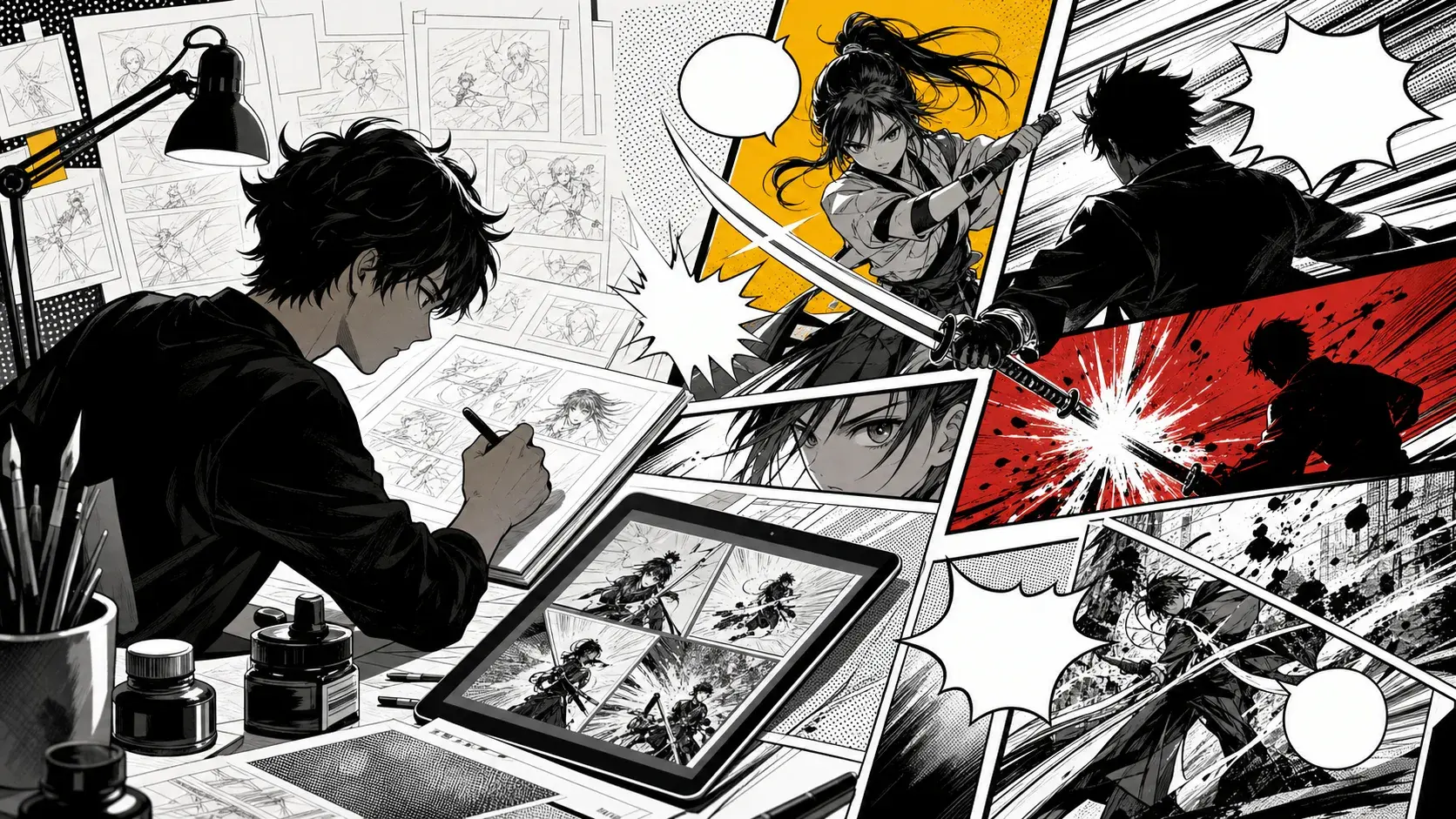
Use manga style for scene tension
An AI manga comic generator should do more than make an image black and white. Manga-style pages need tension, reaction, motion, and a readable shift from one beat to the next.
Start with a scene where the character wants something and a visible obstacle pushes back. That gives the page a reason to use dramatic framing.
Write prompts with action and reaction
A strong manga prompt includes both movement and response: the clash, the pause, the expression, and the final reveal. This helps the result feel like a sequence instead of one poster.
Example: A trainee swordswoman reaches the last train platform, sees her rival guarding the exit, blocks the first strike, and ends on a close-up of a cracked family crest.
Keep the cast small
Manga action can become crowded quickly. For the first result, use one lead, one rival, and one clear location.
If you need a larger cast, introduce the supporting characters in later scenes. The first page should prove the core conflict.
Balance black-and-white detail with readability
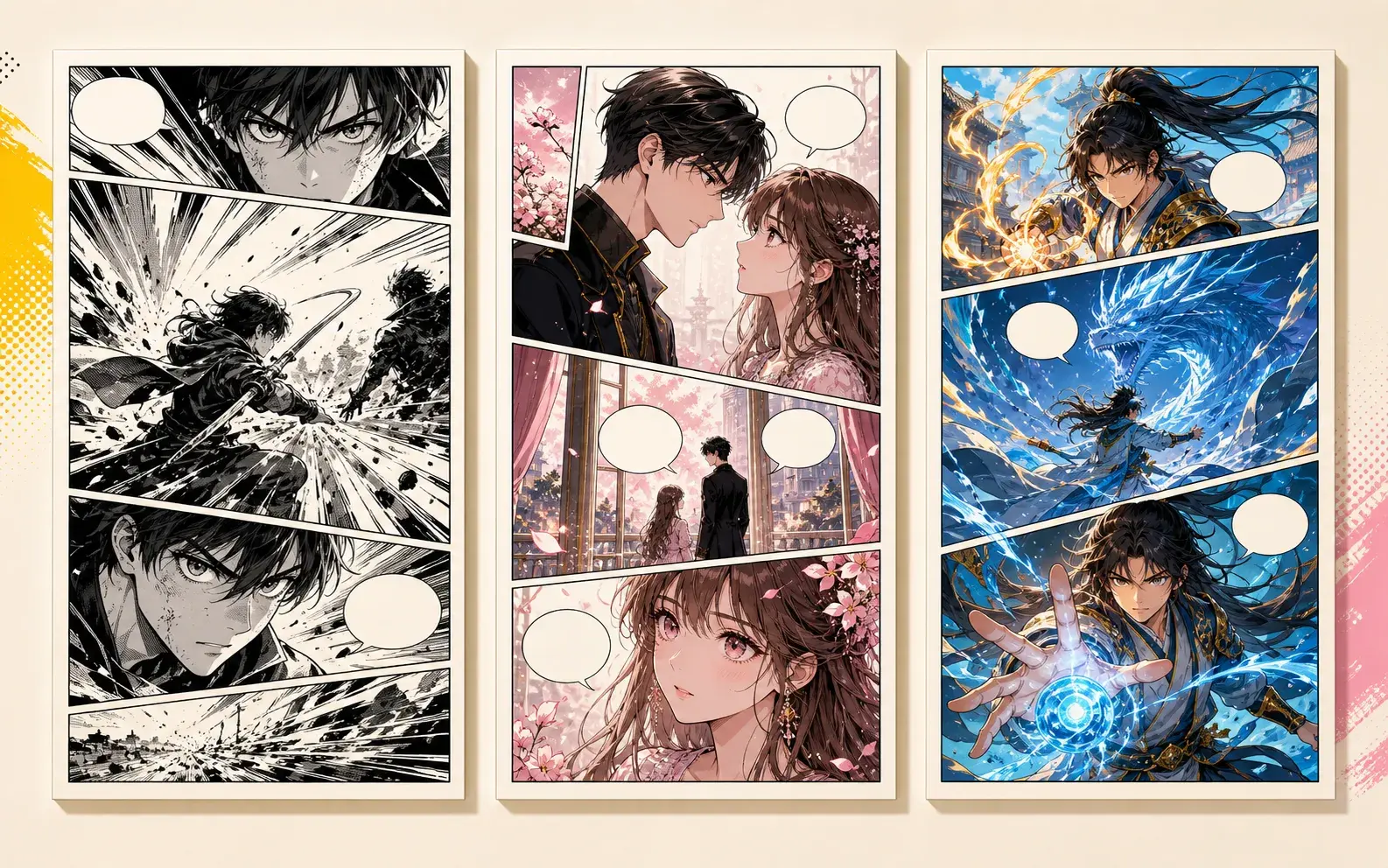
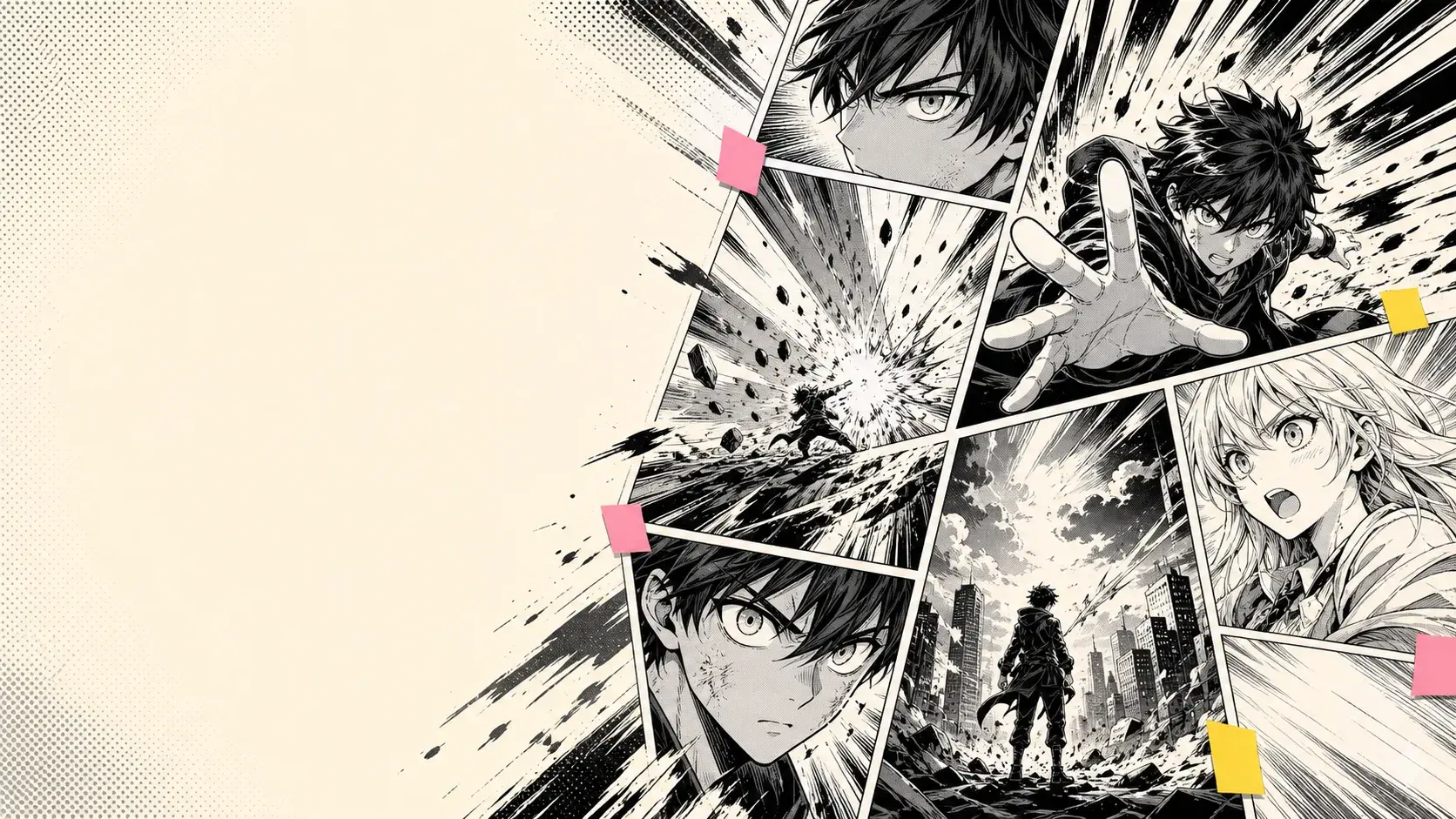
Speed lines, screen tone, impact shapes, and close-ups are useful, but they should support the story. Too much decoration can hide the actual action.
If the result is visually intense but hard to read, simplify the prompt and make the final panel more concrete.
Continue from the best manga sequence
Choose the result where the lead, rival, location, and emotional direction are already clear. Continue that sequence with one new complication.
Good continuation prompts add a stronger obstacle, a reveal about the rival, or a choice the hero cannot avoid.
Practical checklist for AI manga comic generator workflow
Before generating, check whether the prompt names one main character, one setting, one immediate problem, and one visible ending beat. This keeps AI manga comic generator workflow focused enough for a readable comic sequence.
The prompt should also say why the scene matters. A clear goal, interruption, reveal, or reaction gives PixComic a stronger path than a list of visual adjectives.
Prompt patterns to copy
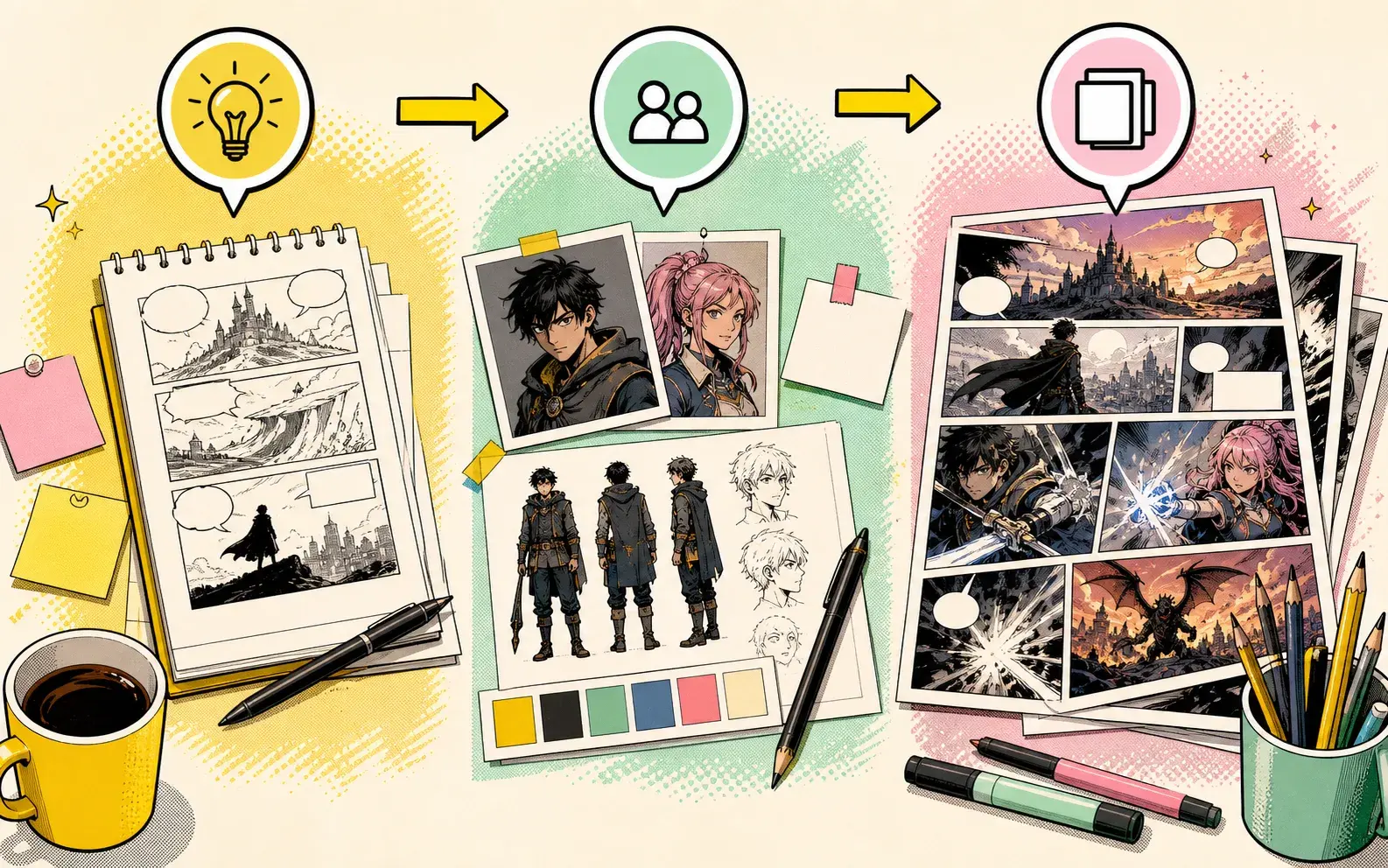
For a dramatic scene, write: character wants a result, a second force blocks it, the mood changes, and the final panel reveals new information.
For a lighter scene, write: character expects one outcome, the scene gives the opposite, and the last beat makes the reversal obvious. Adjust the style words for comic, manga, manhwa, or manhua instead of reusing the exact same prompt.
Mistakes that make pages thin
Thin comic results usually come from broad prompts such as “make a cool comic” or from asking for too many scenes at once. Those prompts create images, but not a guideable story path.
Another common mistake is changing the character, style, location, and conflict in every generation. Keep the core role stable, then change one story variable at a time.
Next step in Story to Comic
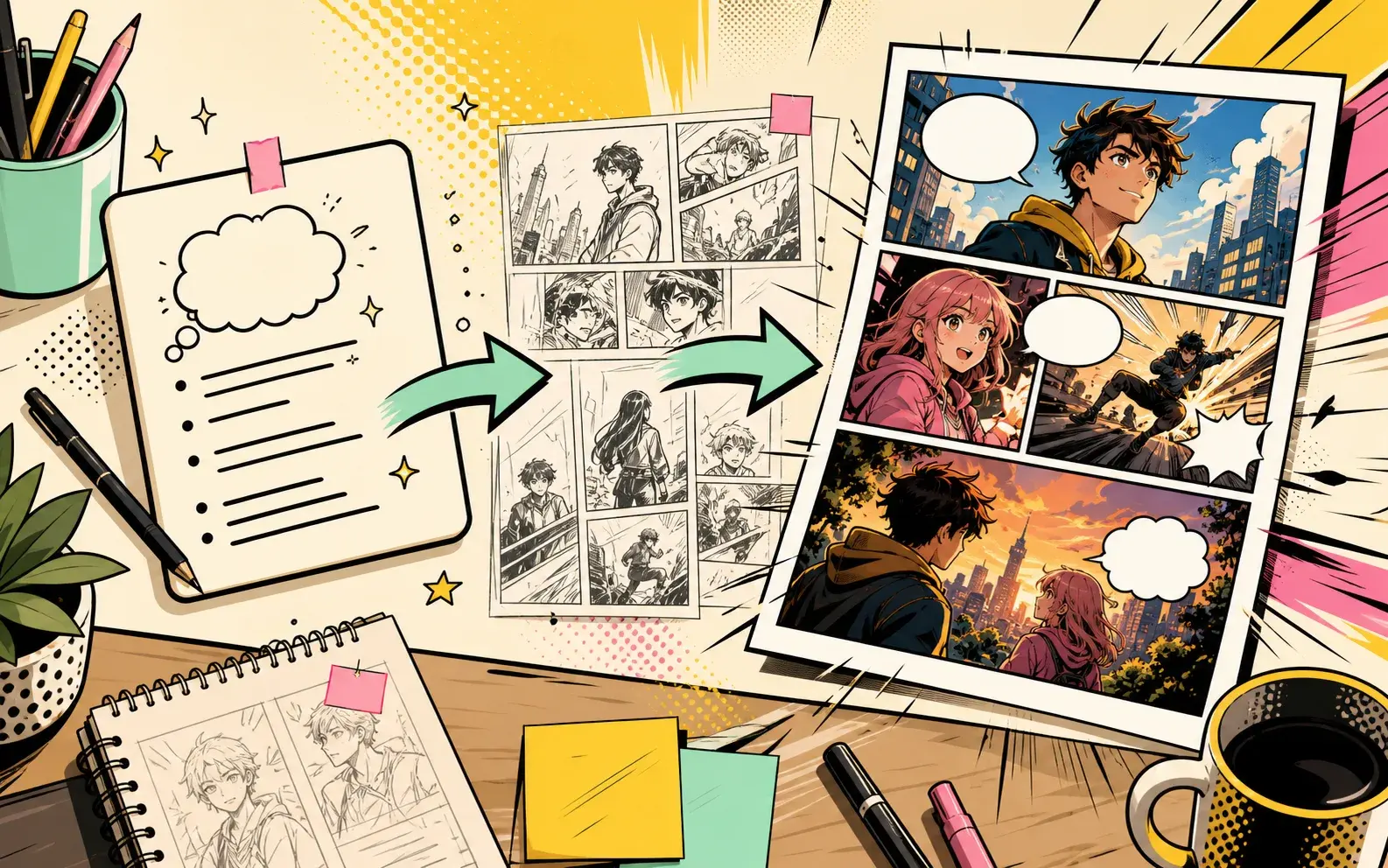
Open Story to Comic when the scene idea is ready. Start with a short prompt, generate the first pages, then decide whether to continue, regenerate, or rewrite the ending beat.
If the first result is close, continue from it. If the result misses the main conflict, shorten the cast and make the last panel more specific before trying again.
Prompt kit you can adapt
Use this structure as a starting point, then open a related PixComic tool with the matching creator setup.
Reliable prompt formula
- Main cast and role
- Setting and visual mood
- Visible conflict or surprise
- Comic style and page rhythm
- Final panel or continuation hook
Template 1: Story to Comic
A short adventure scene with a clear beginning, conflict, and ending, told as a readable comic. Manga-style AI comics work better when the prompt describes emotion, movement, panel contrast, and the final reveal instead of only asking for manga art.
Open with this promptTemplate 2: Comic Book Maker
A dramatic first chapter for a comic book with a memorable hero, visual conflict, and a final hook. Manga-style AI comics work better when the prompt describes emotion, movement, panel contrast, and the final reveal instead of only asking for manga art.
Open with this promptTemplate 3: Manhwa Generator
A vertical-drama inspired romance scene with expressive characters, emotional tension, and a cliffhanger. Manga-style AI comics work better when the prompt describes emotion, movement, panel contrast, and the final reveal instead of only asking for manga art.
Open with this promptCommon questions before you create
Can I use this AI Manga Comic Generator guide directly in PixComic?+
Yes. Start from Story to Comic, paste a compact scene prompt, then generate and continue the pages inside PixComic.
What should the first prompt include?+
Include the cast, setting, visible conflict, style, and final beat. That gives PixComic enough direction to create readable pages.
Should I generate a whole comic at once?+
Start with one focused scene first. Continue only the version where the characters, pacing, and final hook already work.
Tool references for this guide
Open the related PixComic tool pages when you are ready to turn the advice into generated comic pages.
Prompt sets for high-intent AI comic searches
Each set explains what to include in the prompt, gives ready-to-use examples, and links to the matching PixComic creator flow.
Example pages for high-intent AI comic searches
Each example includes the prompt shape, why the image works, and which PixComic tool to open next.