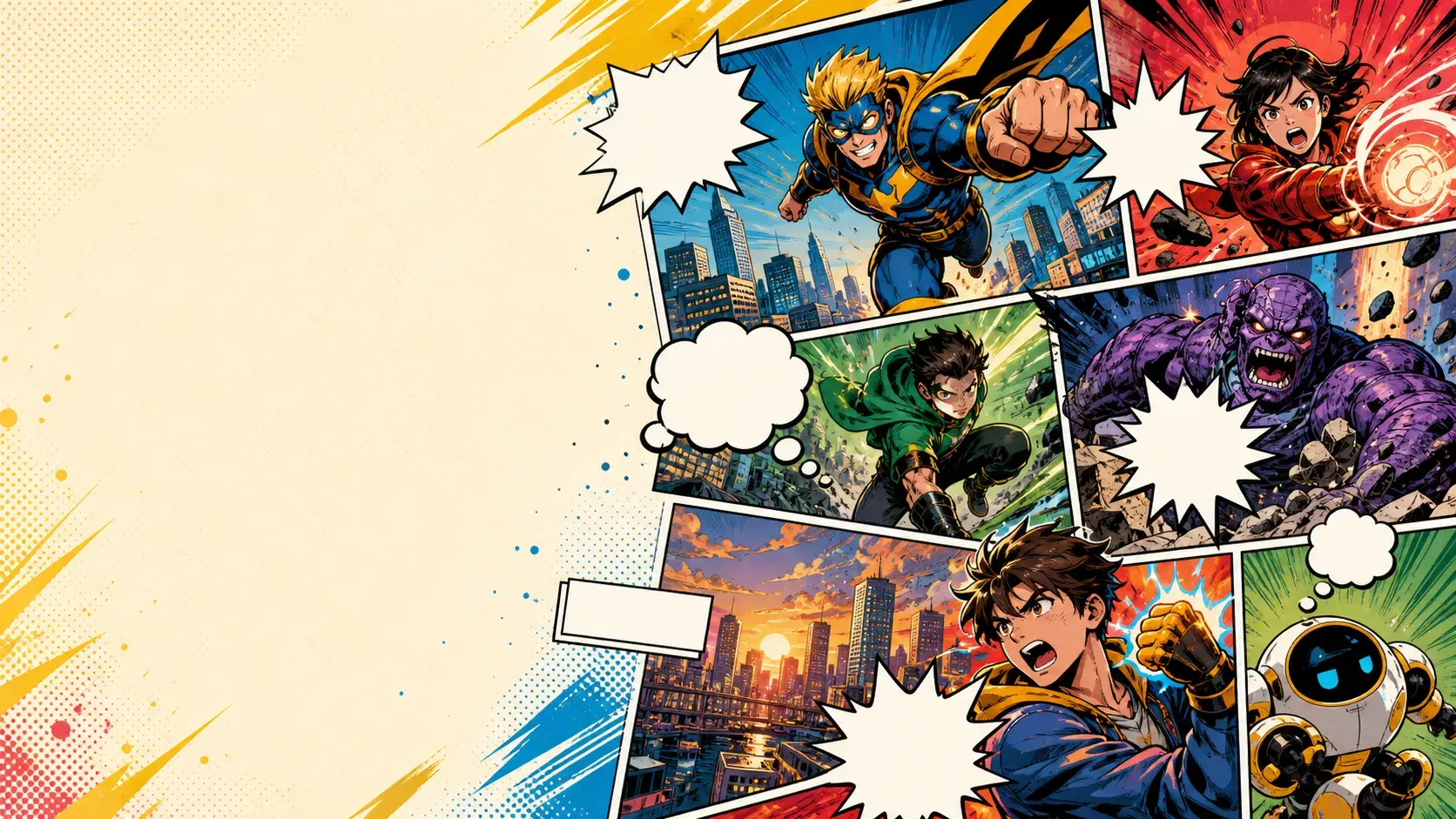
Story to comic
Write a scene, relationship, or adventure and turn it into illustrated comic pages.
AI comic generator
PixComic helps you turn a short prompt, original character, or photo reference into polished AI comic pages with consistent visual style.
What to make
Use PixComic when you want a comic concept to become readable pages without drawing every panel by hand.
Write a scene, relationship, or adventure and turn it into illustrated comic pages.
Create or reuse characters so the same cast can appear across your story.
Open a finished comic, continue the story, regenerate pages, or share the result.
Workflow
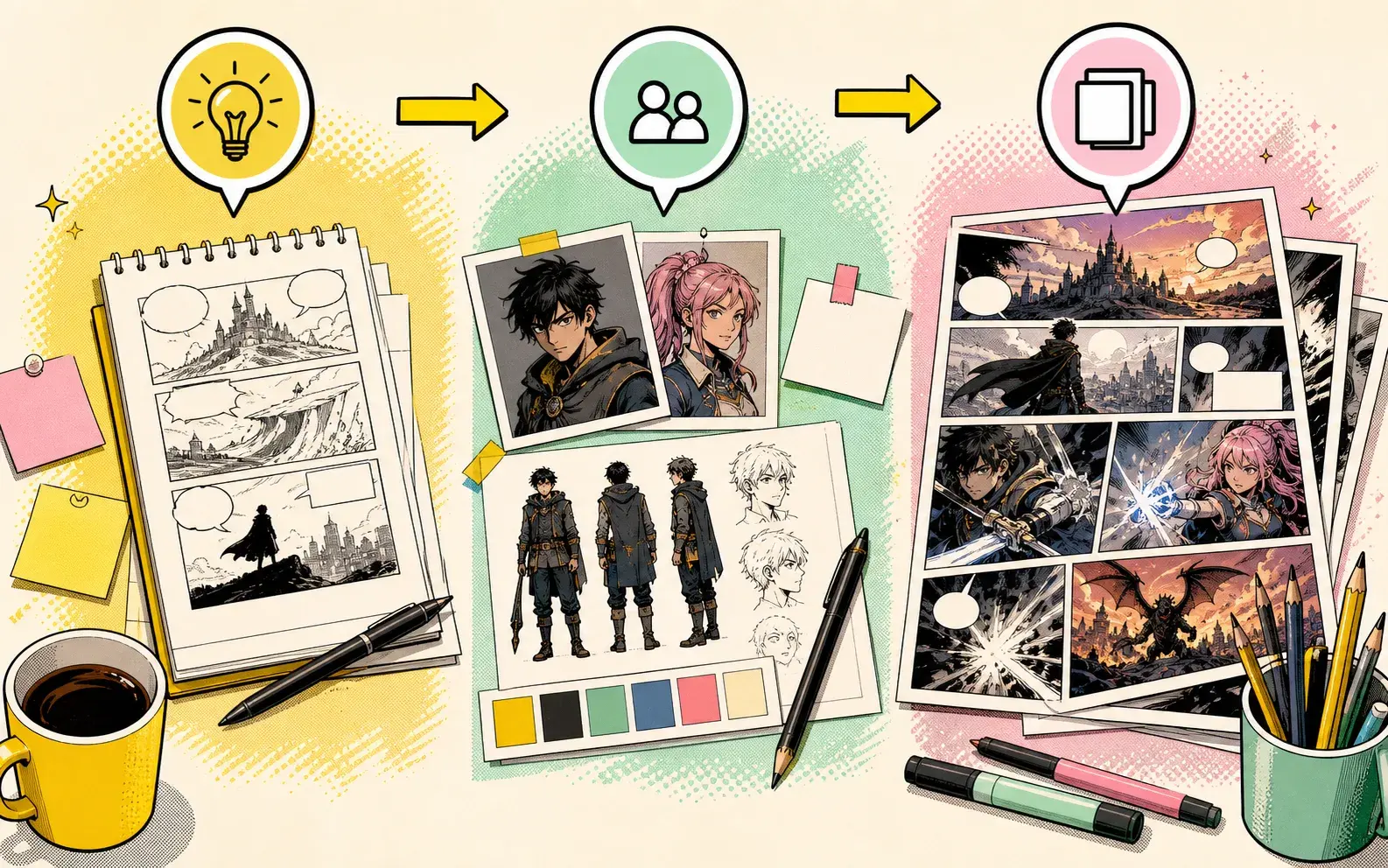
The page flow is designed for creators who want fast iteration and clear creative control.
Start with one sentence, a genre, or a short plot beat.
Pick a comic, manga, manhwa, manhua, seinen, BL, GL, or romance style.
Create pages, review the result, then continue or regenerate until it fits the story.
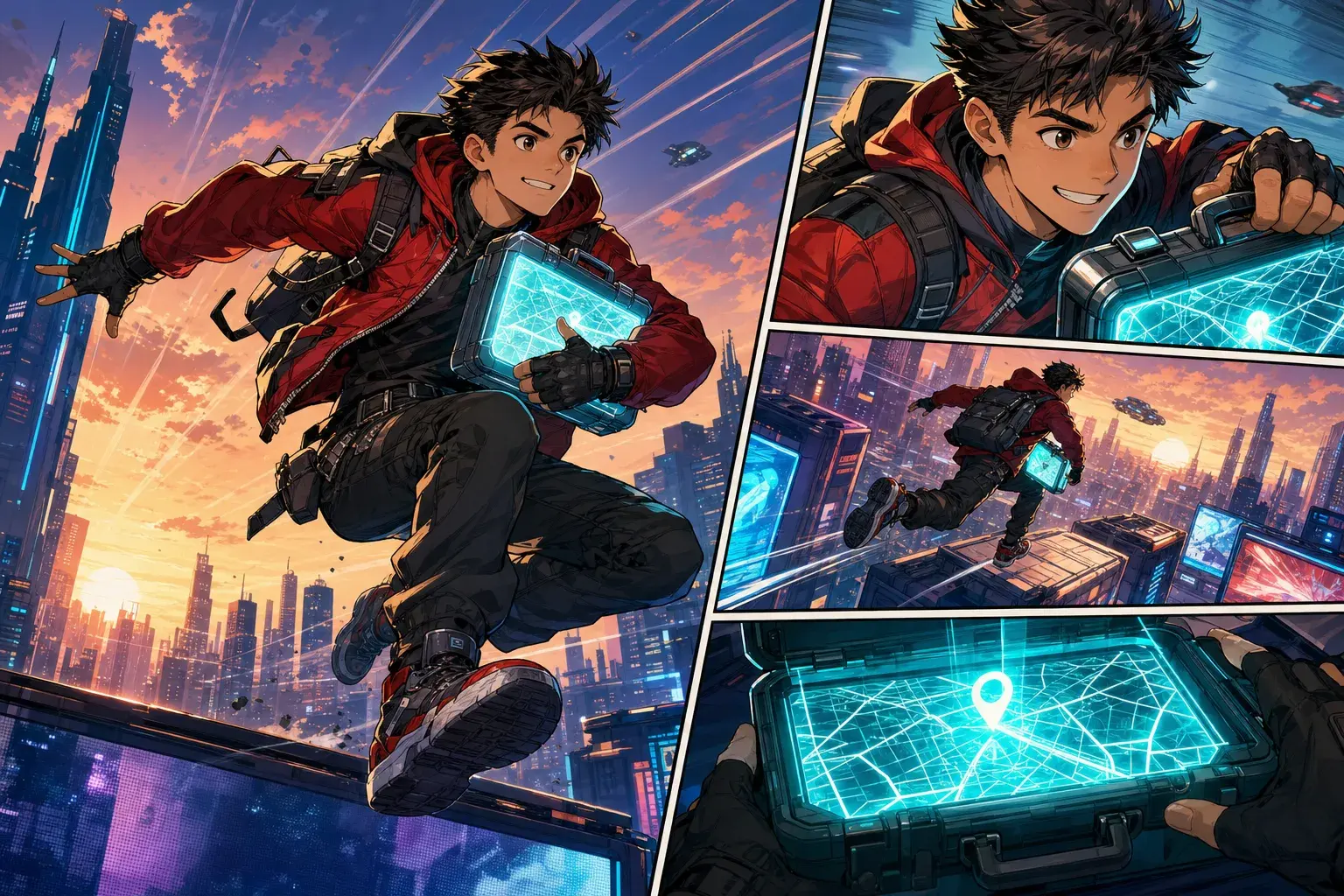
Real examples
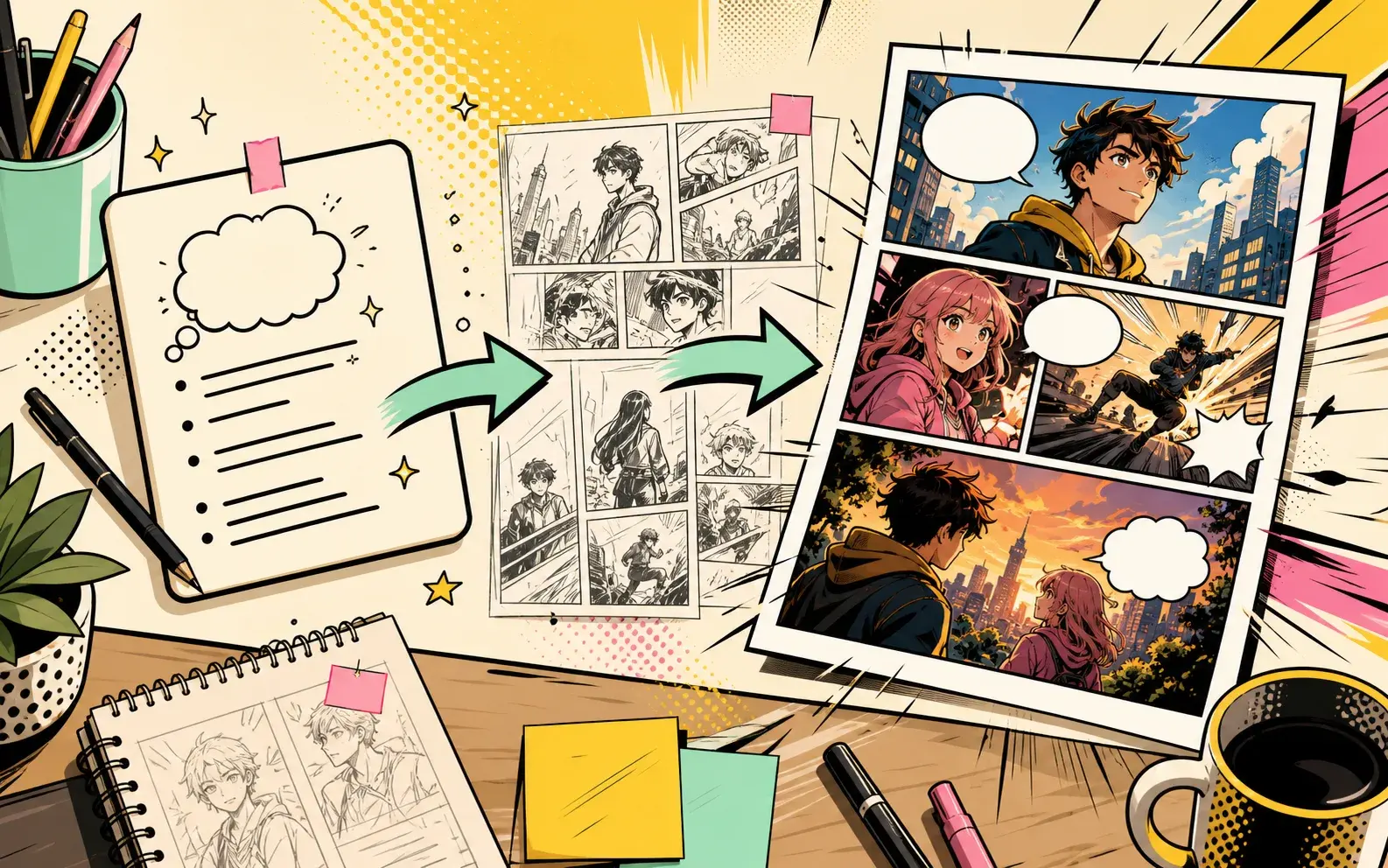
Use these starting points to create comic pages, character sheets, strips, manga scenes, and story-driven pages inside PixComic.
Story to Comic
A teenage courier finds a sealed map inside a rainy train station locker. The map glows when a stranger enters, and the final panel reveals the courier name written on it.
Use this when the story needs a clean hook and one strong reveal.
Use this promptComic Book Maker
A small crew of misfit inventors breaks into an abandoned observatory to recover their stolen machine. Give each character one visual role and end with the telescope turning on by itself.
Works when you need to test an ensemble without overloading the prompt.
Use this promptComic Strip Maker
A student prepares a serious speech to ask for extra credit, opens the classroom door dramatically, and realizes it is Saturday and the room is empty.
Keeps the cast minimal so the strip can land quickly.
Use this prompt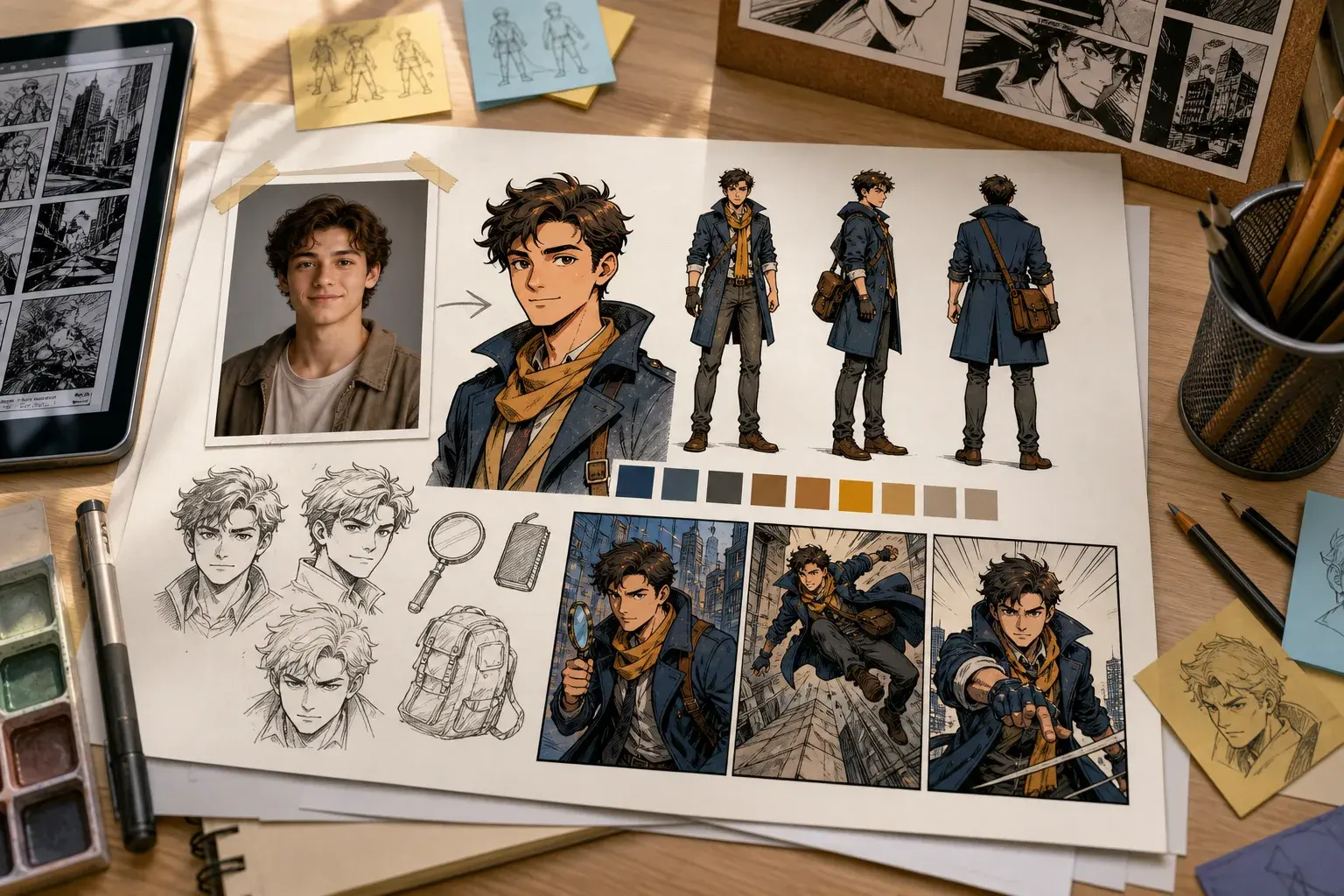
AI Character Generator
Introduce this character as a cheerful apprentice inventor wearing a yellow hoodie and utility backpack. Show their workshop, favorite gadget, and the moment the gadget sparks to life.
Use after creating a character from a photo or description.
Use this promptPrompt examples
Each example is written for this exact tool intent so the page is useful to readers and not a repeated landing page.
Story to Comic
A teenage courier finds a sealed map inside a rainy train station locker. The map glows when a stranger enters, and the final panel reveals the courier name written on it.
Use this when the story needs a clean hook and one strong reveal.
Use this promptComic Book Maker
A street magician accidentally stops a collapsing bridge with real power, then sees a symbol burn into every card in the deck. End with a masked watcher in the crowd.
Strong for first-chapter concepts because it introduces power, danger, and a hook.
Use this promptComic Strip Maker
A designer thinks the boss asked for a dragon logo, spends all night drawing a heroic dragon, then discovers the request was for a tiny dragon fruit sticker.
A compact misunderstanding with a visual punchline.
Use this promptWhy PixComic
A generic image generator can make a picture. PixComic focuses the workflow around story pages, reusable characters, comic styles, and creator-ready prompts.
Focused tool pages
These pages do not invent separate tools. Each one routes into the existing creator with the relevant style or prompt intent.
Turn a plot, scene, or character beat into readable comic pages.
Convert a scene, character moment, or plot beat into visual pages before committing to a longer story.
Start with a compact prompt that names the cast, setting, mood, and conflict.
A teenage courier finds a sealed map inside a rainy train station locker. The map glows when a stranger enters, and the final panel reveals the courier name written on it.
Create multi-page comic drafts from prompts and reusable characters.
Draft an opening sequence with enough pages to test character, pacing, and tone.
Create or select the characters that should appear in the comic.
A street magician accidentally stops a collapsing bridge with real power, then sees a symbol burn into every card in the deck. End with a masked watcher in the crowd.
Make short comic sequences from one compact idea.
Turn a setup and punchline into a short visual sequence.
Use a prompt with the setup, characters, twist, and final reaction.
A designer thinks the boss asked for a dragon logo, spends all night drawing a heroic dragon, then discovers the request was for a tiny dragon fruit sticker.
FAQ
No. It is a focused entry point into the real PixComic create flow for story-first comic generation.
Yes. Create or select characters first, then use them inside the story prompt.
Yes. The create flow supports multiple page counts for short or longer comic drafts.
PixComic creates comic pages from each prompt and supports continuing the story scene by scene.
Yes. Reusing characters helps the same cast appear across generated pages.
Generated comics can be exported from the comic reader when the pages are ready.
No. It uses the real PixComic create flow with prompts tuned for short comic sequences.
Yes. Choose any available PixComic style after opening the create flow.
PixComic is currently focused on multi-page comic generation rather than a single standalone panel tool.
Each page focuses on a different way to turn ideas, photos, and stories into comic pages.
Focused tool pages
PixComic guides
Open PixComic, write a short prompt, choose a style, and generate a comic you can continue, share, or download.
Start creating