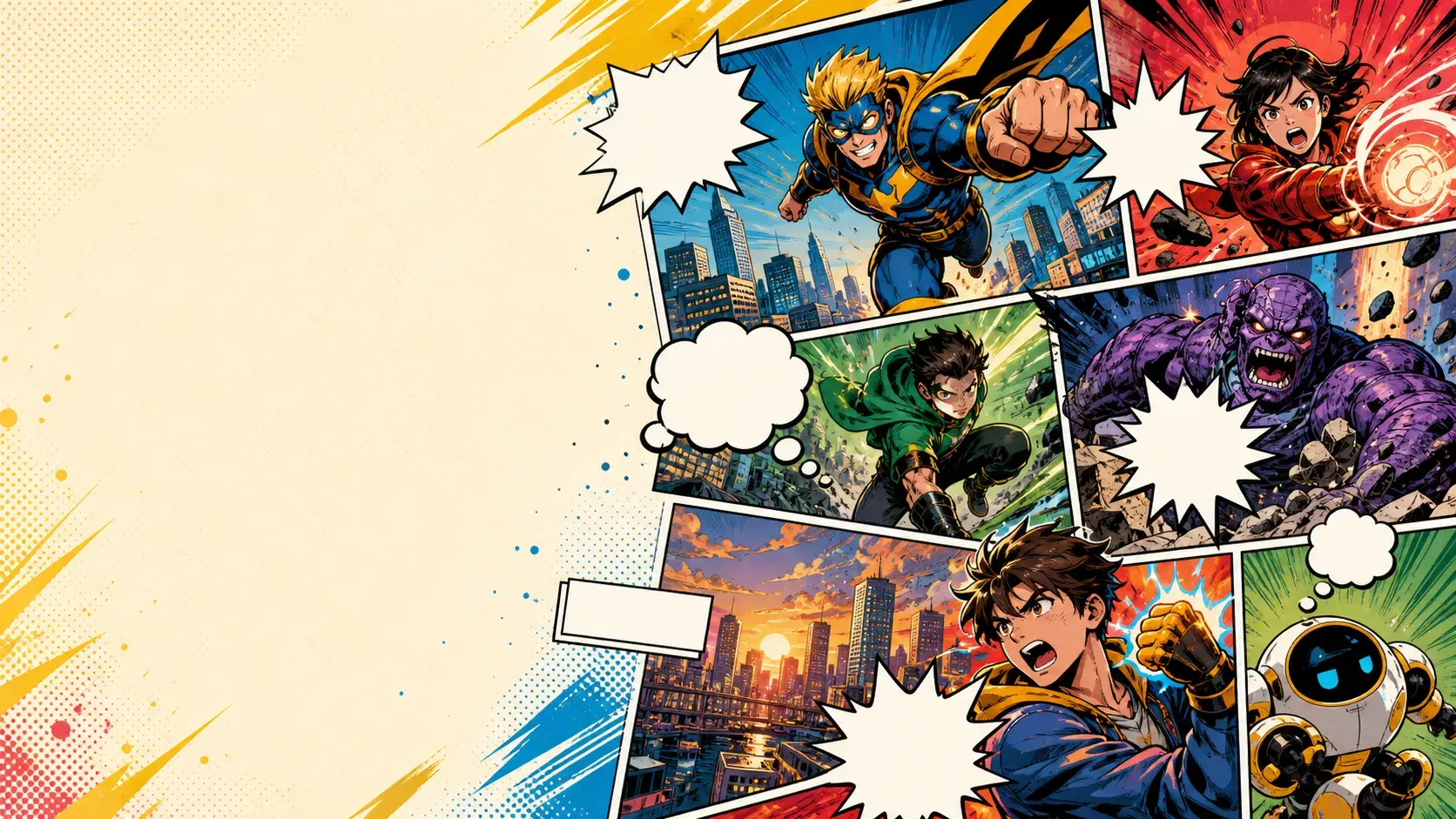
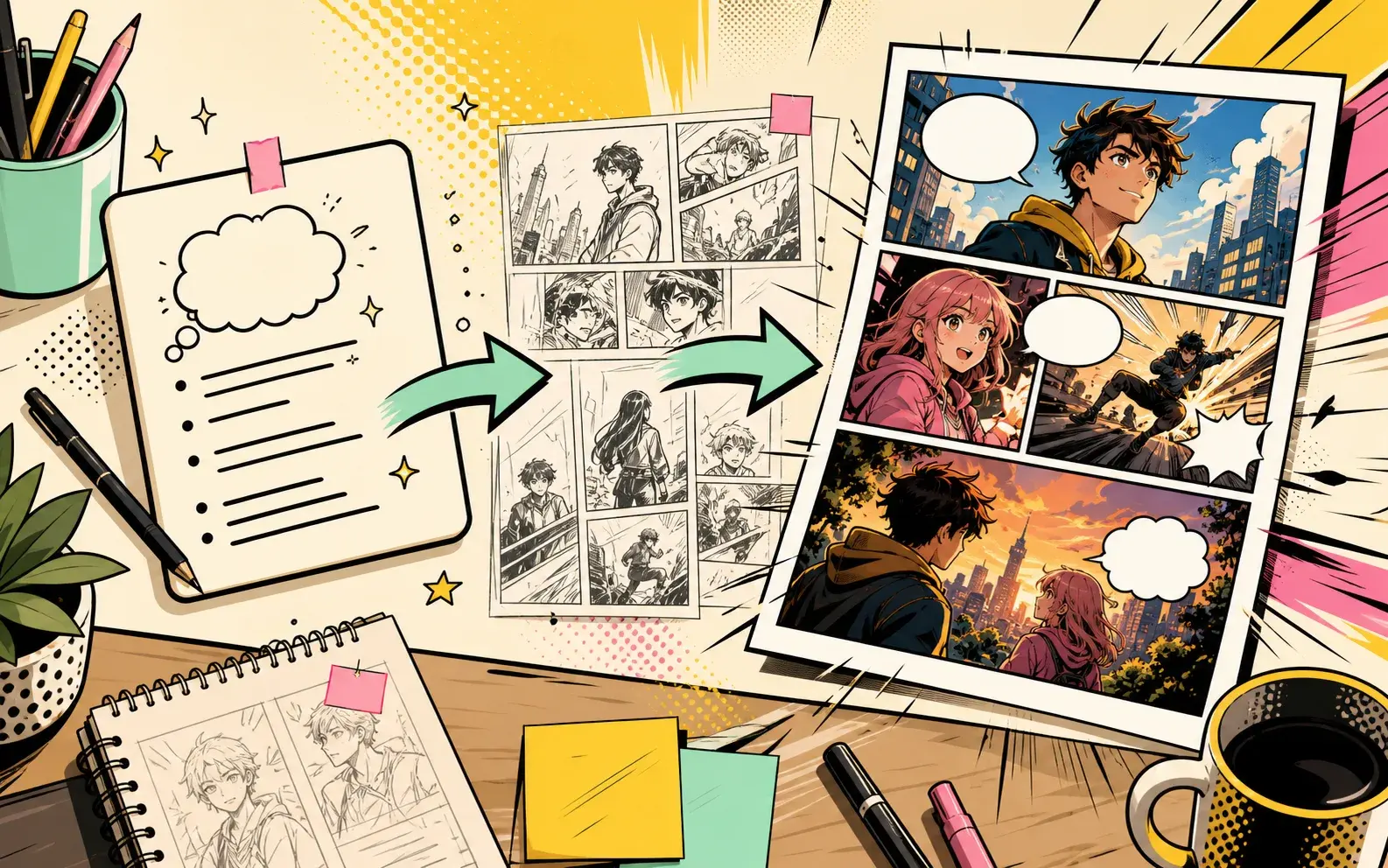
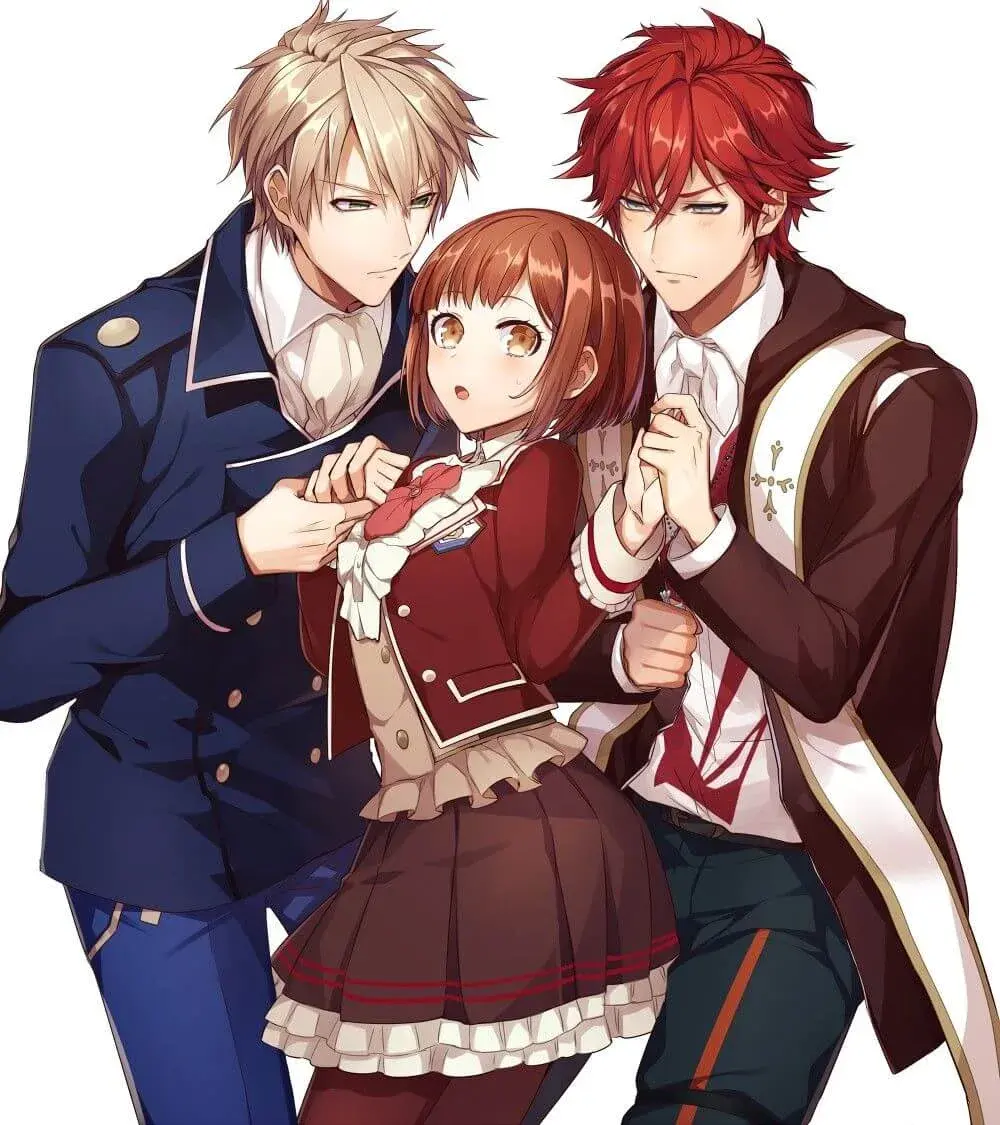
Real PixComic workflow

AI Comic Book Maker

PixComic is built around a real multi-page comic creation workflow: select characters, pick a style, write the scene, and generate pages.

Multi-page creation
Downloadable output
Continue story flow

Prompt examples

Theme-specific prompts to try

Each example is written for this exact tool intent so the page is useful to readers and not a repeated landing page.

Before you generate, check

  • The chapter has a beginning and hook
  • Only essential characters are named
  • The conflict is visual enough for panels

Hero origin

A street magician accidentally stops a collapsing bridge with real power, then sees a symbol burn into every card in the deck. End with a masked watcher in the crowd.

Strong for first-chapter concepts because it introduces power, danger, and a hook.

Use this prompt

Team introduction

A small crew of misfit inventors breaks into an abandoned observatory to recover their stolen machine. Give each character one visual role and end with the telescope turning on by itself.

Works when you need to test an ensemble without overloading the prompt.

Use this prompt

Chapter cliffhanger

A detective follows glowing footprints through a midnight parade, finds the missing mayor inside a parade float, and discovers the mayor is smiling at someone behind the detective.

Built for multi-page pacing with discovery, tension, and a final reveal.
Use this prompt

Use cases

When to use Comic Book Maker

These examples match what the current PixComic creator can actually do.

1

First chapter concepts

Draft an opening sequence with enough pages to test character, pacing, and tone.

2

Personal comics

Use created characters to make a short comic around friends, original characters, or a role-play cast.

3

Shareable comic drafts

Generate pages that can be opened, continued, regenerated, shared, or downloaded.

Workflow

How this connects to the creator

1

Set up the cast

Create or select the characters that should appear in the comic.

2

Describe the chapter

Write a compact story prompt with the conflict and visual style.

3

Create pages

Generate a multi-page result and continue the comic when the next scene is ready.

Comic Book Maker example 1
Comic Book Maker example 2
Comic Book Maker example 3

FAQ

Clear expectations before you create

Does PixComic make complete books automatically?

PixComic creates comic pages from each prompt and supports continuing the story scene by scene.

Can I keep a cast consistent?

Yes. Reusing characters helps the same cast appear across generated pages.

Can I download the result?

Generated comics can be exported from the comic reader when the pages are ready.