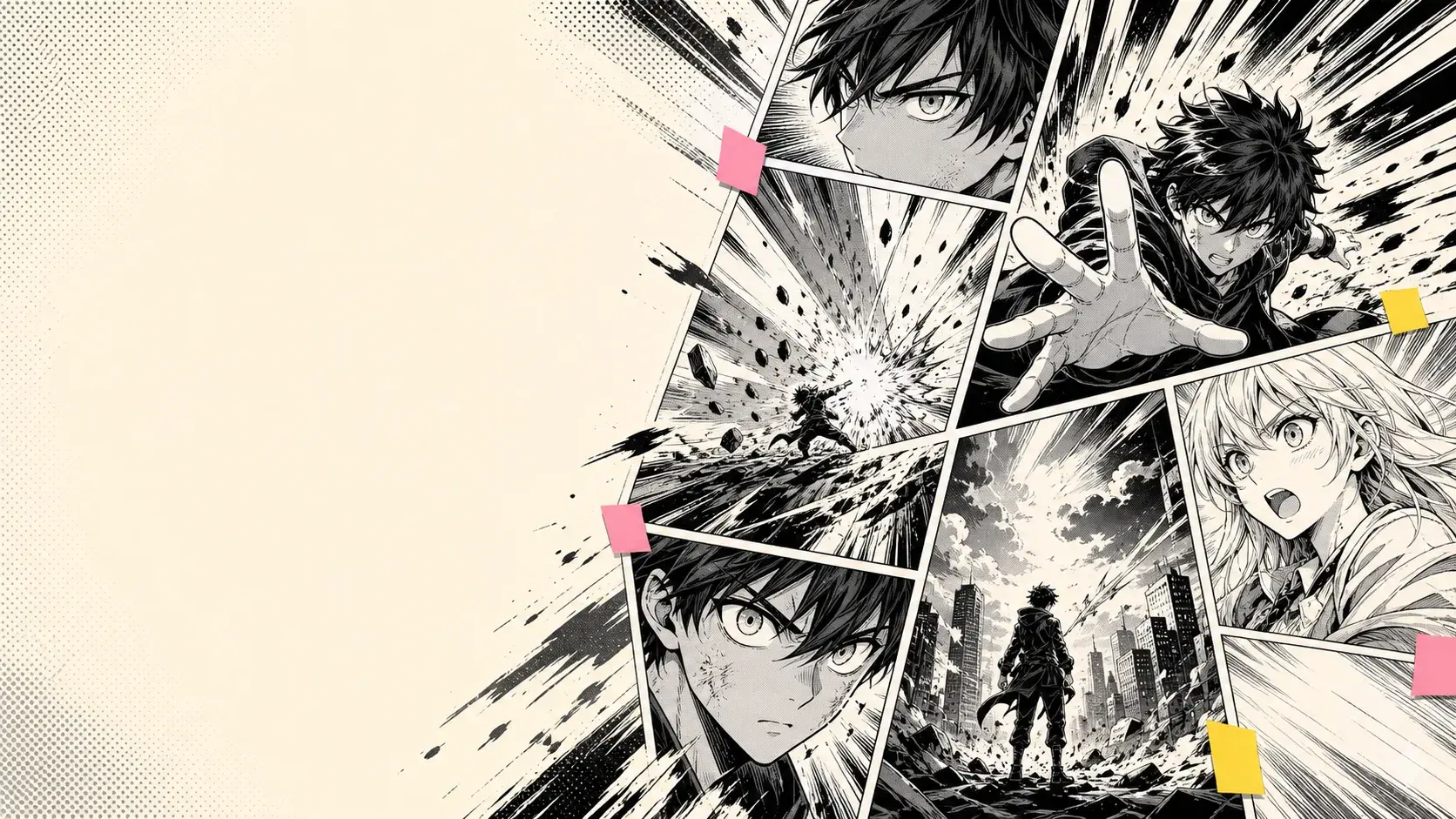
Shonen action
Build energetic scenes with motion, rivalry, impact, and clear visual drama.
AI manga generator
PixComic turns your plot, character setup, or scene idea into manga-inspired pages with dramatic framing, expressive characters, and shareable output.
Manga ideas
Create fast manga drafts for romance, action, fantasy, slice-of-life, or character-driven stories.
Build energetic scenes with motion, rivalry, impact, and clear visual drama.
Write emotional beats and turn them into expressive manga-style panels.
Create portal adventures, magical schools, dungeon scenes, and original worlds.
Workflow
PixComic keeps setup lightweight so you can test story ideas quickly.
Enter the main conflict, mood, character relationship, or chapter idea.
Use manga or related Asian comic styles to shape the final look.
Generate pages, then continue the story when you want the next scene.
Real examples
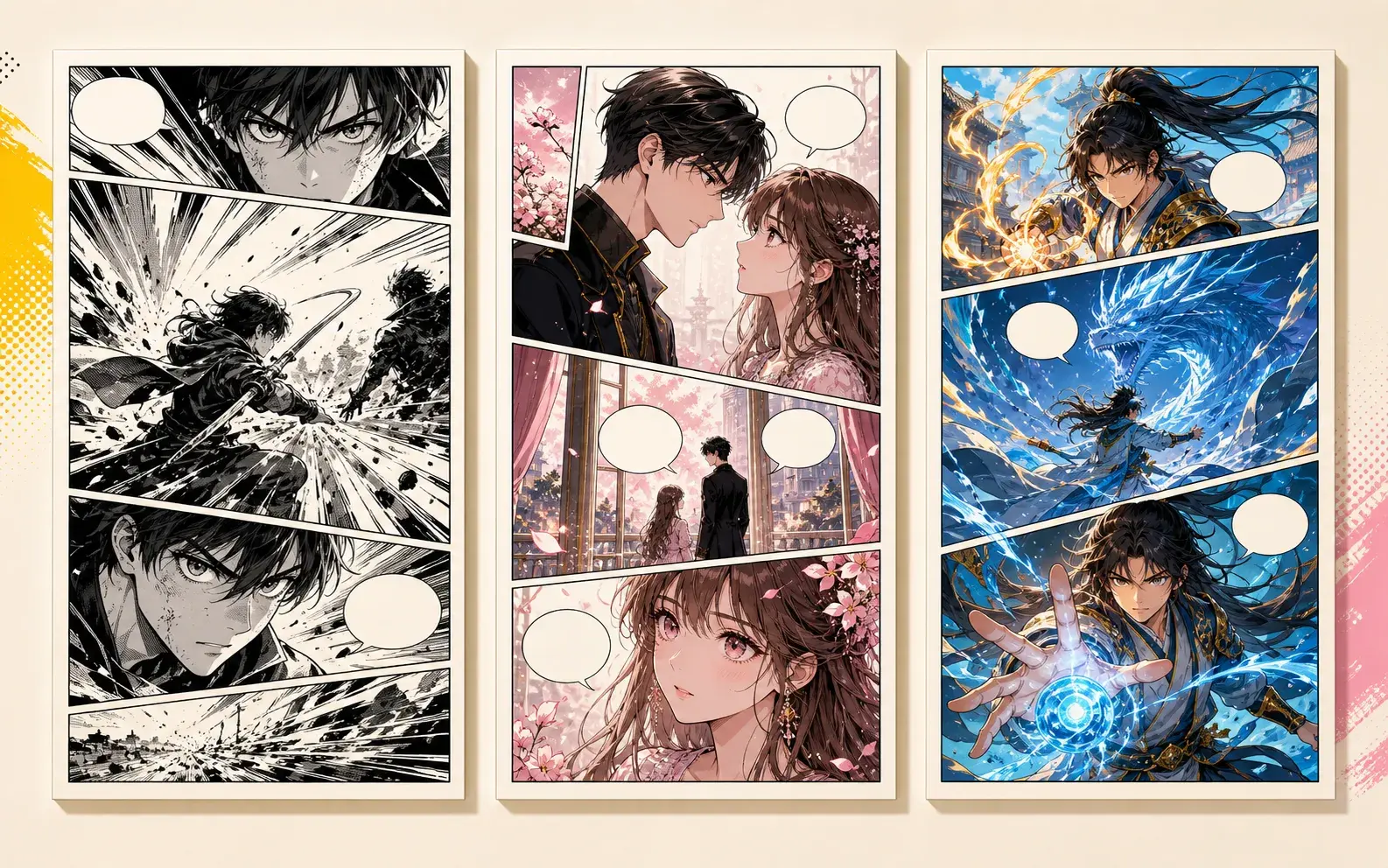
Use these starting points to create comic pages, character sheets, strips, manga scenes, and story-driven pages inside PixComic.
Manhwa Generator
A scholarship student meets the school heir under cherry blossoms after seeing their secret message. Use elegant modern outfits, intense eye contact, and end when another student photographs them.
Designed for emotion, fashion, and a final social-drama hook.
Use this promptManhua Generator
A clever court artist notices a dragon painting blink during a royal banquet. They follow ink footprints through the palace and find a sealed door breathing cold mist.
Useful when the manhua scene needs mystery instead of constant combat.
Use this prompt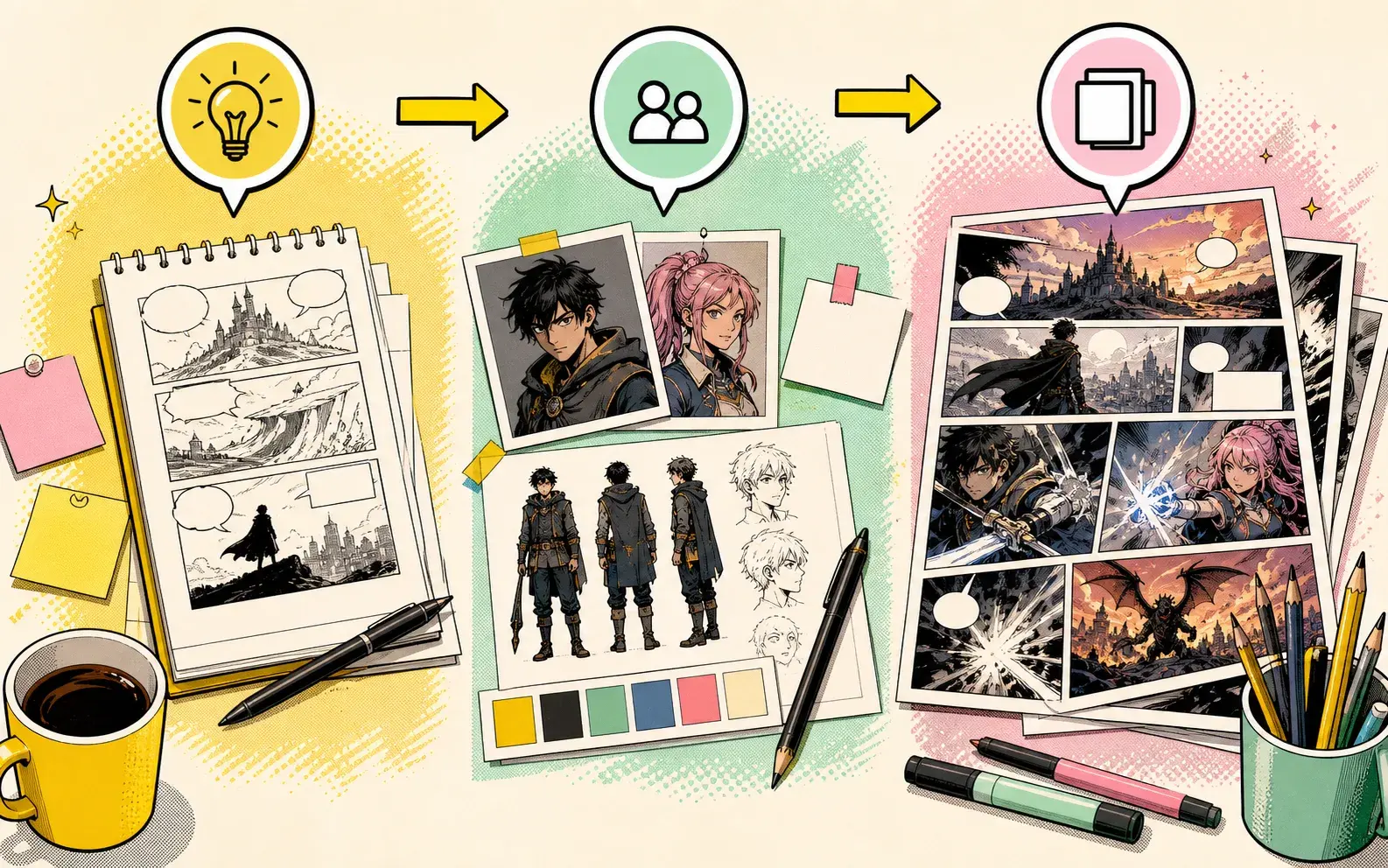
Story to Comic
A lost robot, a curious child, and a broken city guide try to cross a market before sunset. Show their problem, teamwork, and a final clue pointing home.
Keeps the cast small so the generated pages can stay readable.
Use this promptComic Strip Maker
A designer thinks the boss asked for a dragon logo, spends all night drawing a heroic dragon, then discovers the request was for a tiny dragon fruit sticker.
A compact misunderstanding with a visual punchline.
Use this promptPrompt examples
Each example is written for this exact tool intent so the page is useful to readers and not a repeated landing page.
Manhwa Generator
A scholarship student meets the school heir under cherry blossoms after seeing their secret message. Use elegant modern outfits, intense eye contact, and end when another student photographs them.
Designed for emotion, fashion, and a final social-drama hook.
Use this promptManhua Generator
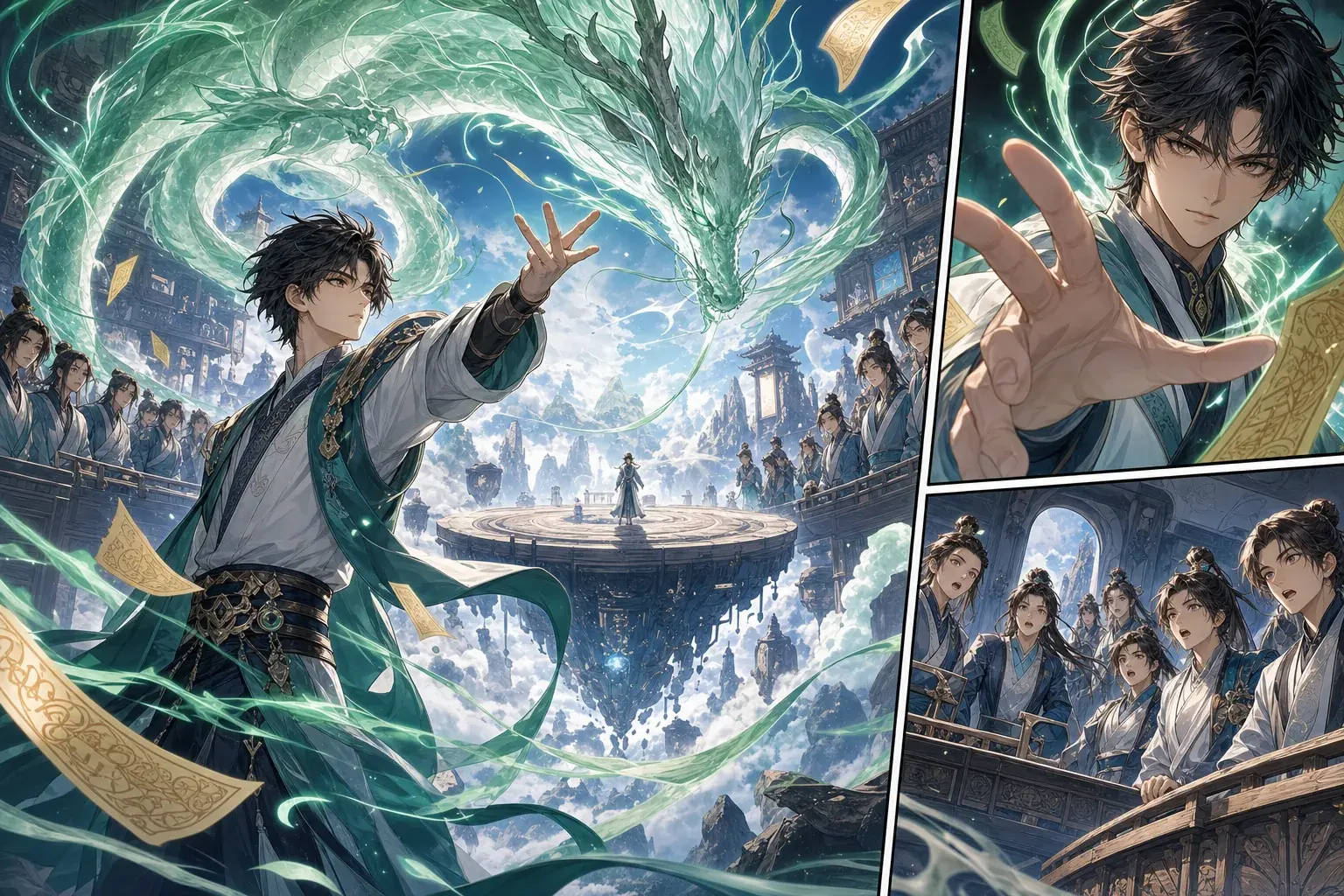
A young cultivator steps onto a floating arena as blue fire circles the stage. The rival breaks the rules with a hidden talisman, and the hero counters with a calm one-handed spell.
Strong for fantasy action, power reveals, and cinematic movement.
Use this promptStory to Comic
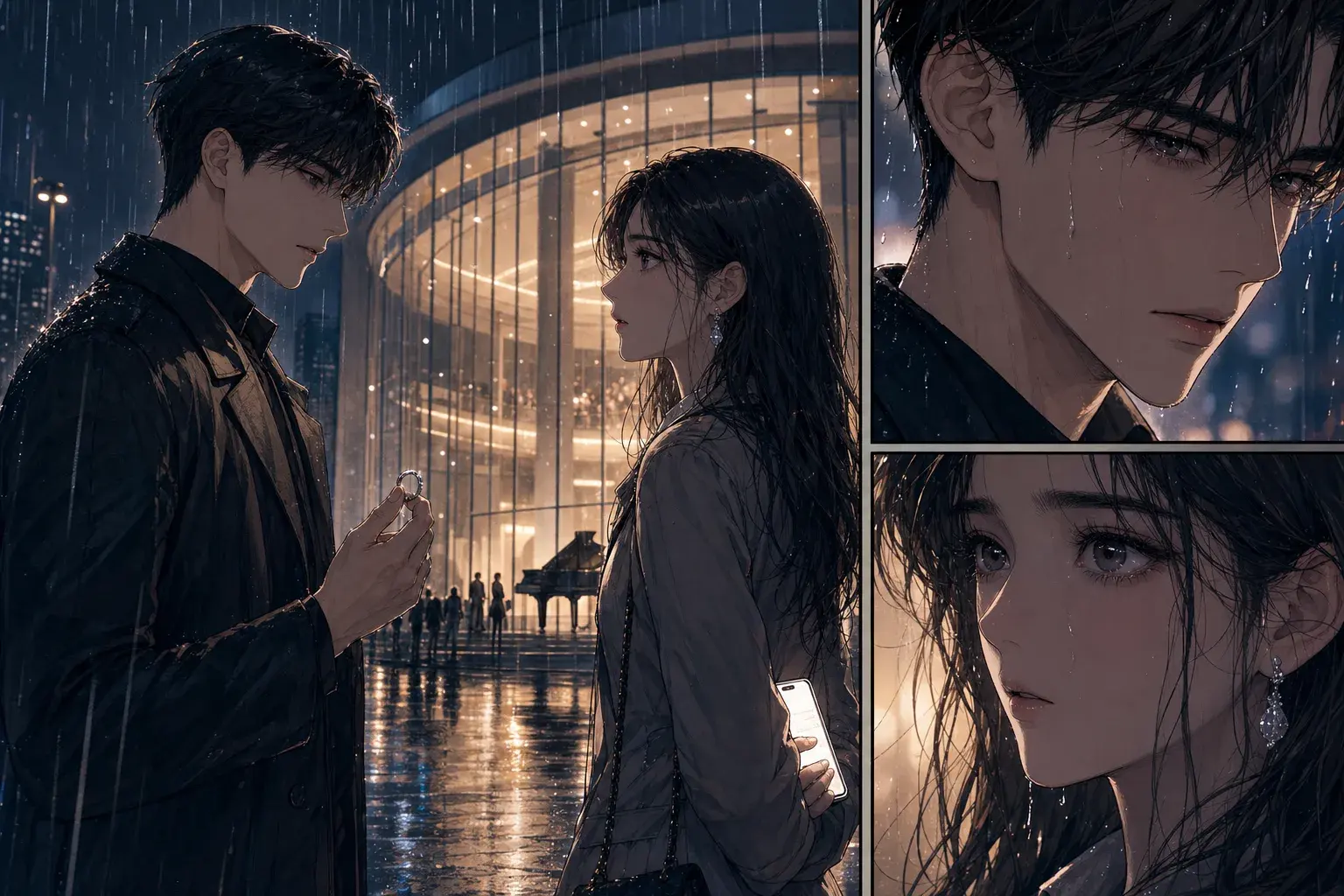
A teenage courier finds a sealed map inside a rainy train station locker. The map glows when a stranger enters, and the final panel reveals the courier name written on it.
Use this when the story needs a clean hook and one strong reveal.
Use this promptWhy PixComic
A generic image generator can make a picture. PixComic focuses the workflow around story pages, reusable characters, comic styles, and creator-ready prompts.
Focused tool pages
These pages do not invent separate tools. Each one routes into the existing creator with the relevant style or prompt intent.
Create manhwa-style pages with PixComic style selection.
Create expressive relationship scenes with strong character reactions.
Open create with the manhwa style selected.
A scholarship student meets the school heir under cherry blossoms after seeing their secret message. Use elegant modern outfits, intense eye contact, and end when another student photographs them.
Use PixComic manhua style for fantasy, romance, and action scenes.
Create magic, cultivation, portal, or academy scenes in a manhua-inspired look.
Start from this page to enter create with manhua selected.
A young cultivator steps onto a floating arena as blue fire circles the stage. The rival breaks the rules with a hidden talisman, and the hero counters with a calm one-handed spell.
Turn a plot, scene, or character beat into readable comic pages.
Convert a scene, character moment, or plot beat into visual pages before committing to a longer story.
Start with a compact prompt that names the cast, setting, mood, and conflict.
A teenage courier finds a sealed map inside a rainy train station locker. The map glows when a stranger enters, and the final panel reveals the courier name written on it.
FAQ
Yes. Manhwa is one of the available style options in the create flow.
Yes. Select existing characters before generating pages.
PixComic currently creates comic pages; this entry point focuses on manhwa style rather than a separate webtoon layout editor.
Yes. Manhua is one of the selectable visual styles.
Yes. The prompt can describe fantasy, action, romance, or slice-of-life scenes.
It uses the same real create flow, focused on PixComic manhua style.
No. It is a focused entry point into the real PixComic create flow for story-first comic generation.
Yes. Create or select characters first, then use them inside the story prompt.
Yes. The create flow supports multiple page counts for short or longer comic drafts.
Each page focuses on a different way to turn ideas, photos, and stories into comic pages.
Focused tool pages
PixComic guides
Open PixComic, write a short prompt, choose a style, and generate a comic you can continue, share, or download.
Start creating