PixComic guide
AI Comic Generator Guide: From Idea to Finished Comic Pages
Learn the full PixComic workflow for turning a story idea into comic pages with prompts, reusable characters, style choices, and continuation.
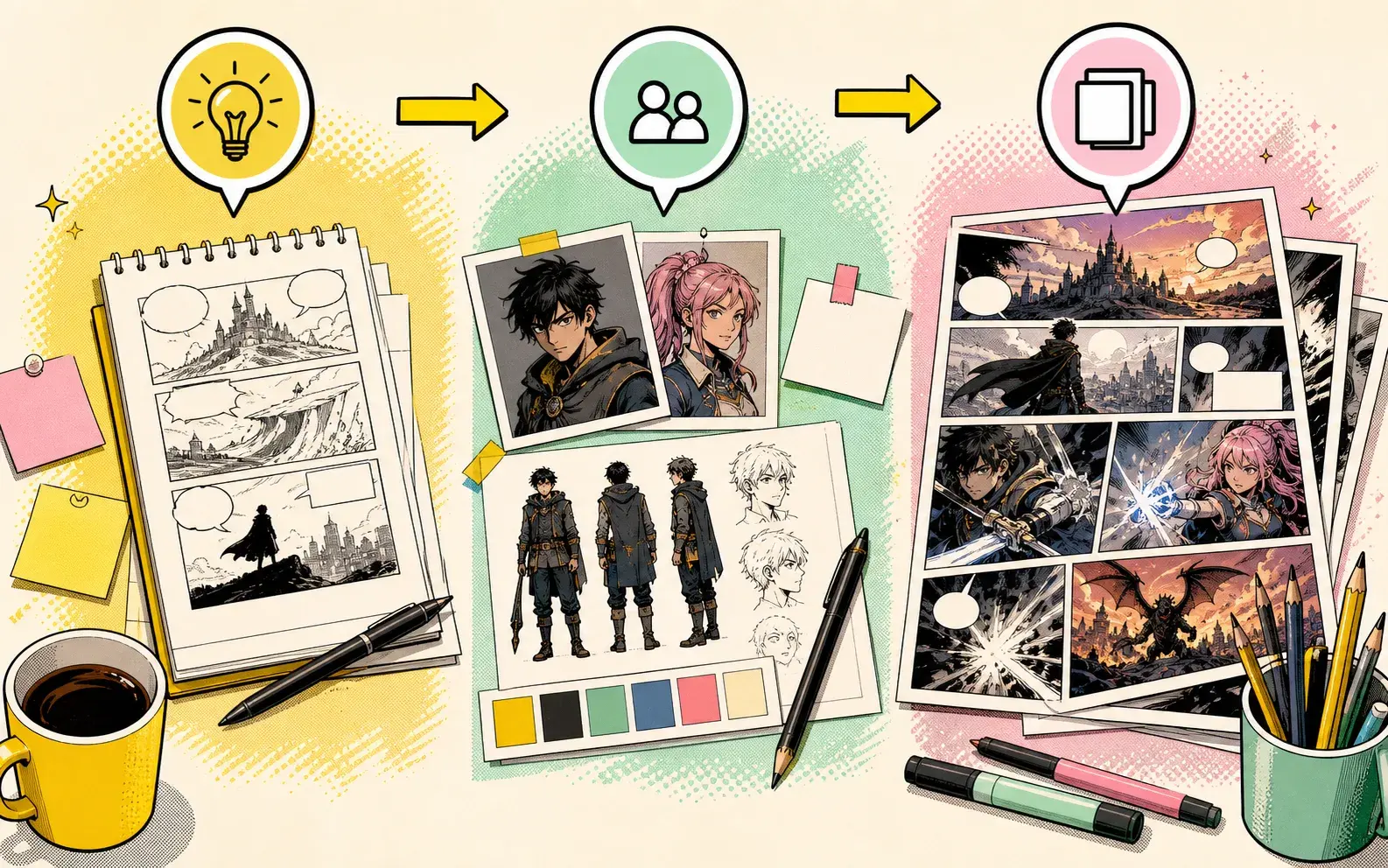
Start with one page sequence, not the whole book
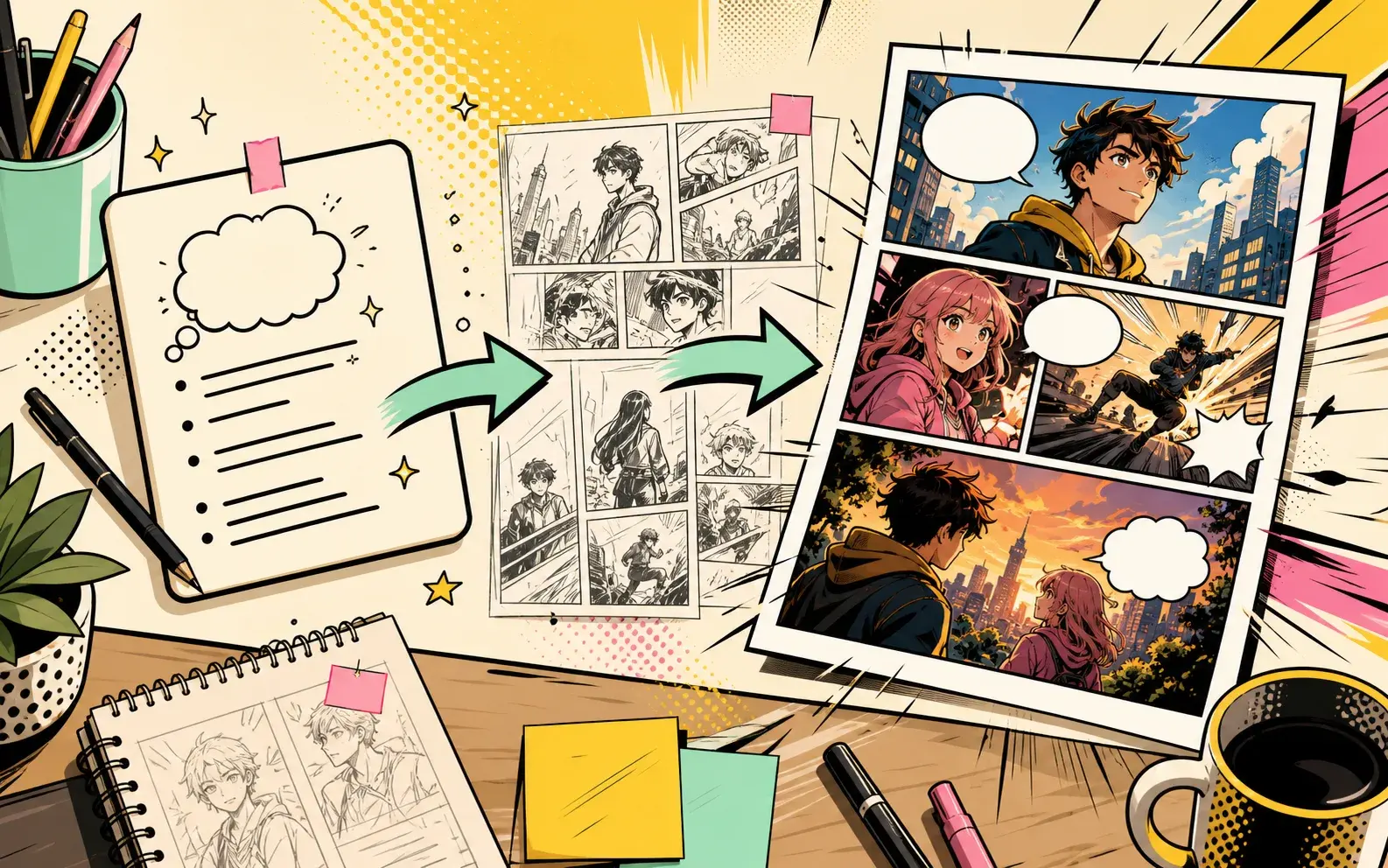
The best way to use an AI comic generator is to ask for one readable page sequence first. A complete book idea is usually too broad for the first prompt.
Choose the moment that proves the story: the first meeting, the first conflict, the first clue, or the scene where the character makes a decision.
Build the prompt around a comic result
A useful AI comic prompt should include cast, setting, conflict, style, mood, and an ending beat. The ending beat matters because it gives the generated pages a readable stopping point.
Instead of writing “make a fantasy comic,” write a scene where a character wants something, a visible obstacle blocks it, and the final panel creates a reason to continue.
Use characters when continuity matters
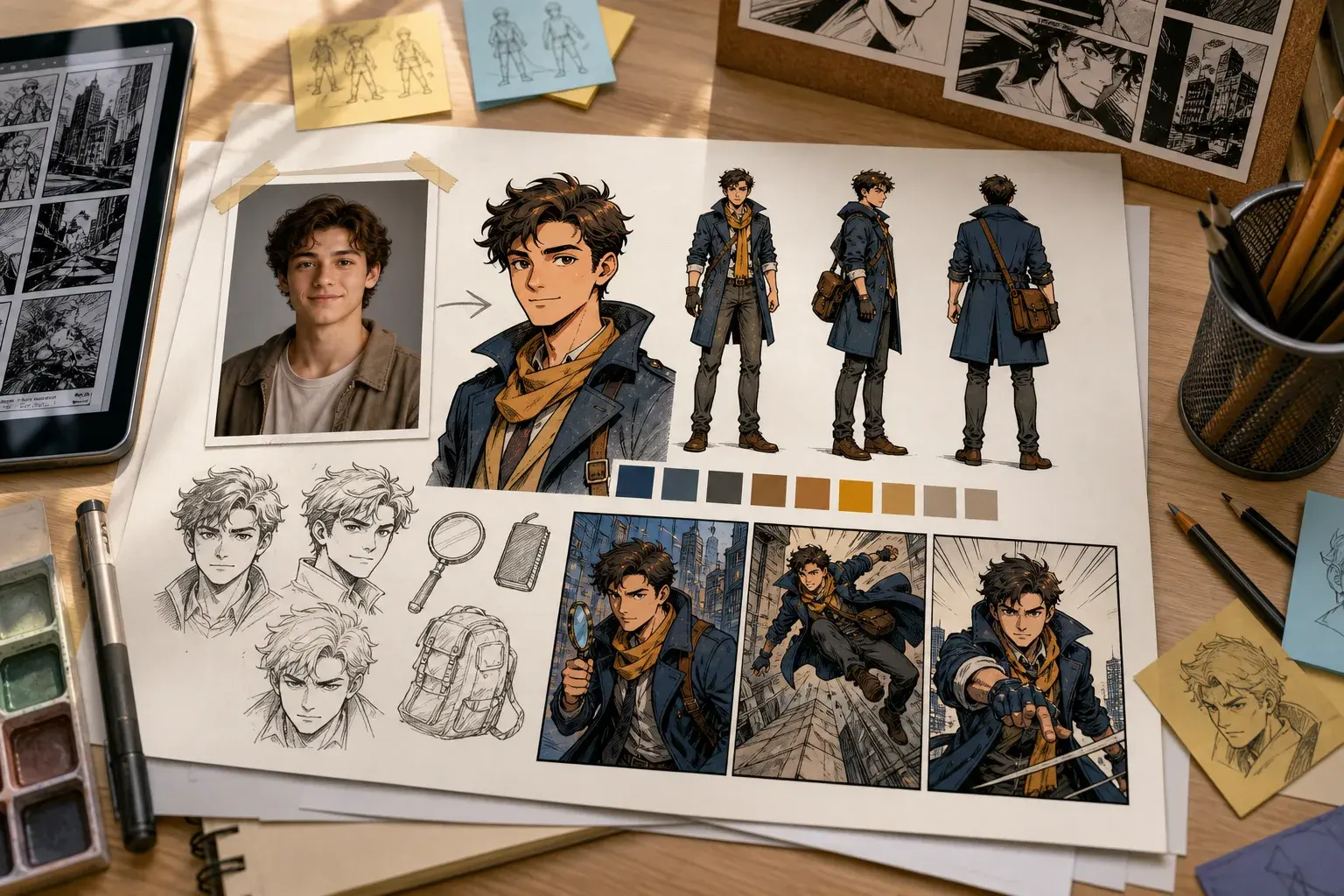
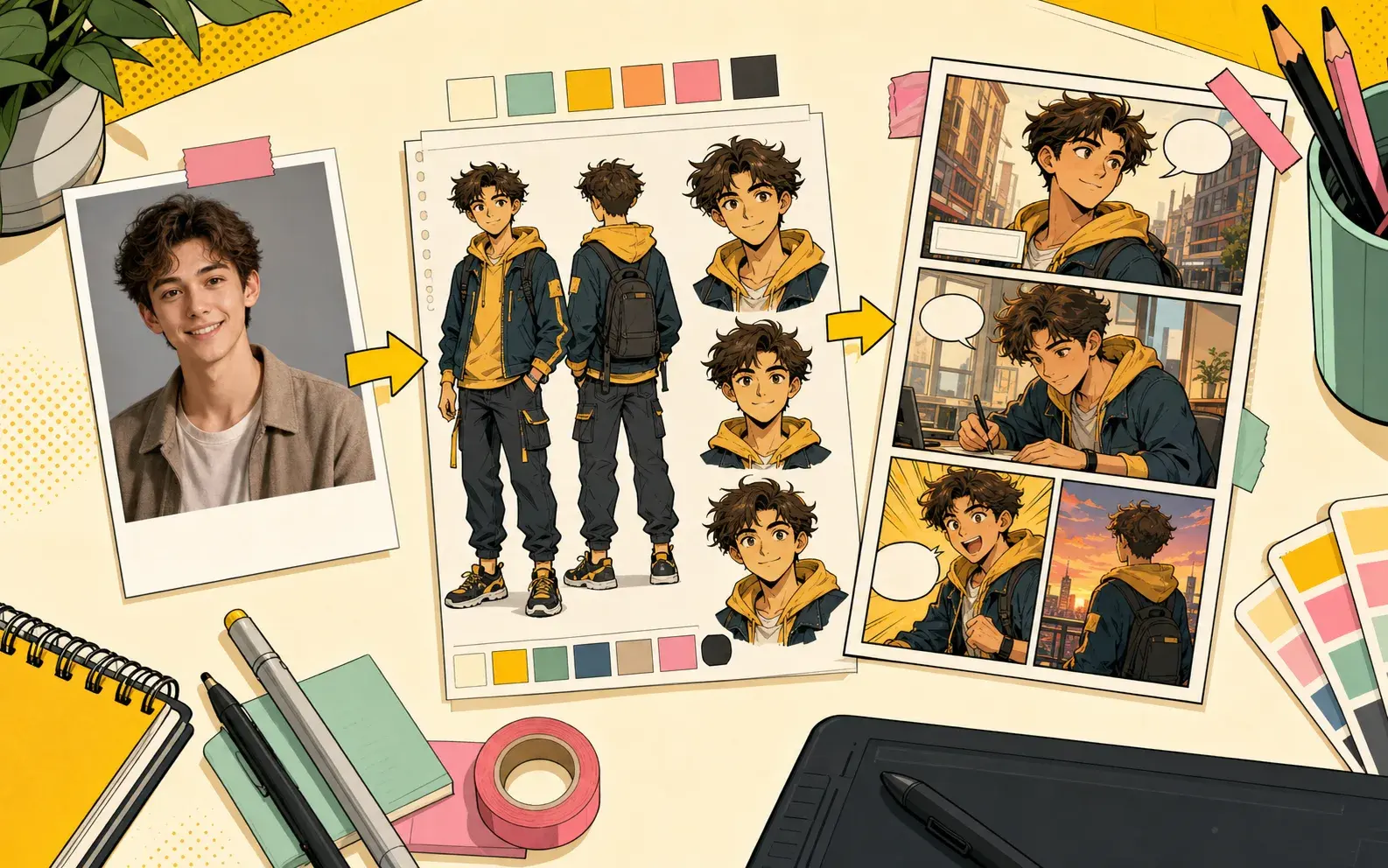
If the same person needs to appear across scenes, create or select the character before generating the comic. This is more reliable than describing the same face from scratch in every prompt.
Characters should also have a story role. Hero, rival, detective, guide, friend, or villain is more useful than only naming hair color and outfit.
Choose style for the scene, not only the keyword
Comic style is a strong default for bold, readable scenes. Manga works well for high emotion and action. Manhwa fits modern drama and romance. Manhua fits fantasy, powers, and cinematic action.
When a result feels visually wrong, change the style and adjust the prompt language at the same time.
Continue only the strongest result
After the first generation, check character readability, panel clarity, and whether the last beat makes you want the next scene. Continue the version that already has the right direction.
If the result misses the core conflict, rewrite the prompt with fewer characters and a clearer final beat before continuing.
Practical checklist for AI comic generator workflow
Before generating, check whether the prompt names one main character, one setting, one immediate problem, and one visible ending beat. This keeps AI comic generator workflow focused enough for a readable comic sequence.
The prompt should also say why the scene matters. A clear goal, interruption, reveal, or reaction gives PixComic a stronger path than a list of visual adjectives.
Prompt patterns to copy
For a dramatic scene, write: character wants a result, a second force blocks it, the mood changes, and the final panel reveals new information.
For a lighter scene, write: character expects one outcome, the scene gives the opposite, and the last beat makes the reversal obvious. Adjust the style words for comic, manga, manhwa, or manhua instead of reusing the exact same prompt.
Mistakes that make pages thin
Thin comic results usually come from broad prompts such as “make a cool comic” or from asking for too many scenes at once. Those prompts create images, but not a guideable story path.
Another common mistake is changing the character, style, location, and conflict in every generation. Keep the core role stable, then change one story variable at a time.
Next step in Story to Comic
Open Story to Comic when the scene idea is ready. Start with a short prompt, generate the first pages, then decide whether to continue, regenerate, or rewrite the ending beat.
If the first result is close, continue from it. If the result misses the main conflict, shorten the cast and make the last panel more specific before trying again.
Prompt kit you can adapt
Use this structure as a starting point, then open a related PixComic tool with the matching creator setup.
Reliable prompt formula
- Main cast and role
- Setting and visual mood
- Visible conflict or surprise
- Comic style and page rhythm
- Final panel or continuation hook
Template 1: Story to Comic
A short adventure scene with a clear beginning, conflict, and ending, told as a readable comic. Learn the full PixComic workflow for turning a story idea into comic pages with prompts, reusable characters, style choices, and continuation.
Open with this promptTemplate 2: Comic Book Maker
A dramatic first chapter for a comic book with a memorable hero, visual conflict, and a final hook. Learn the full PixComic workflow for turning a story idea into comic pages with prompts, reusable characters, style choices, and continuation.
Open with this promptTemplate 3: AI Character Generator
A character-focused comic scene that introduces the hero personality, outfit, and first challenge. Learn the full PixComic workflow for turning a story idea into comic pages with prompts, reusable characters, style choices, and continuation.
Open with this promptCommon questions before you create
Can I use this AI Comic Generator guide directly in PixComic?+
Yes. Start from Story to Comic, paste a compact scene prompt, then generate and continue the pages inside PixComic.
What should the first prompt include?+
Include the cast, setting, visible conflict, style, and final beat. That gives PixComic enough direction to create readable pages.
Should I generate a whole comic at once?+
Start with one focused scene first. Continue only the version where the characters, pacing, and final hook already work.
Tool references for this guide
Open the related PixComic tool pages when you are ready to turn the advice into generated comic pages.
Prompt sets for high-intent AI comic searches
Each set explains what to include in the prompt, gives ready-to-use examples, and links to the matching PixComic creator flow.
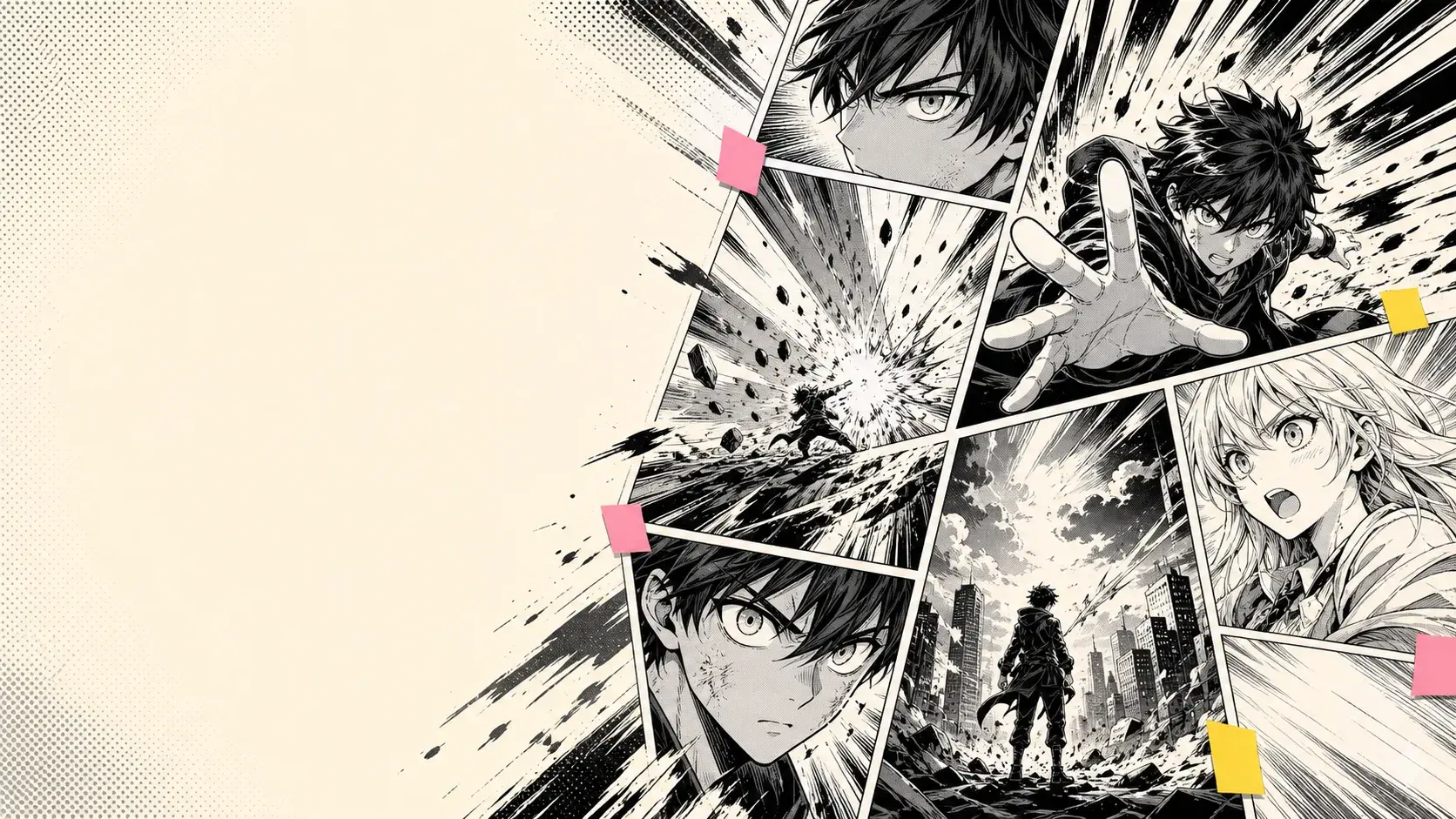
Example pages for high-intent AI comic searches
Each example includes the prompt shape, why the image works, and which PixComic tool to open next.