
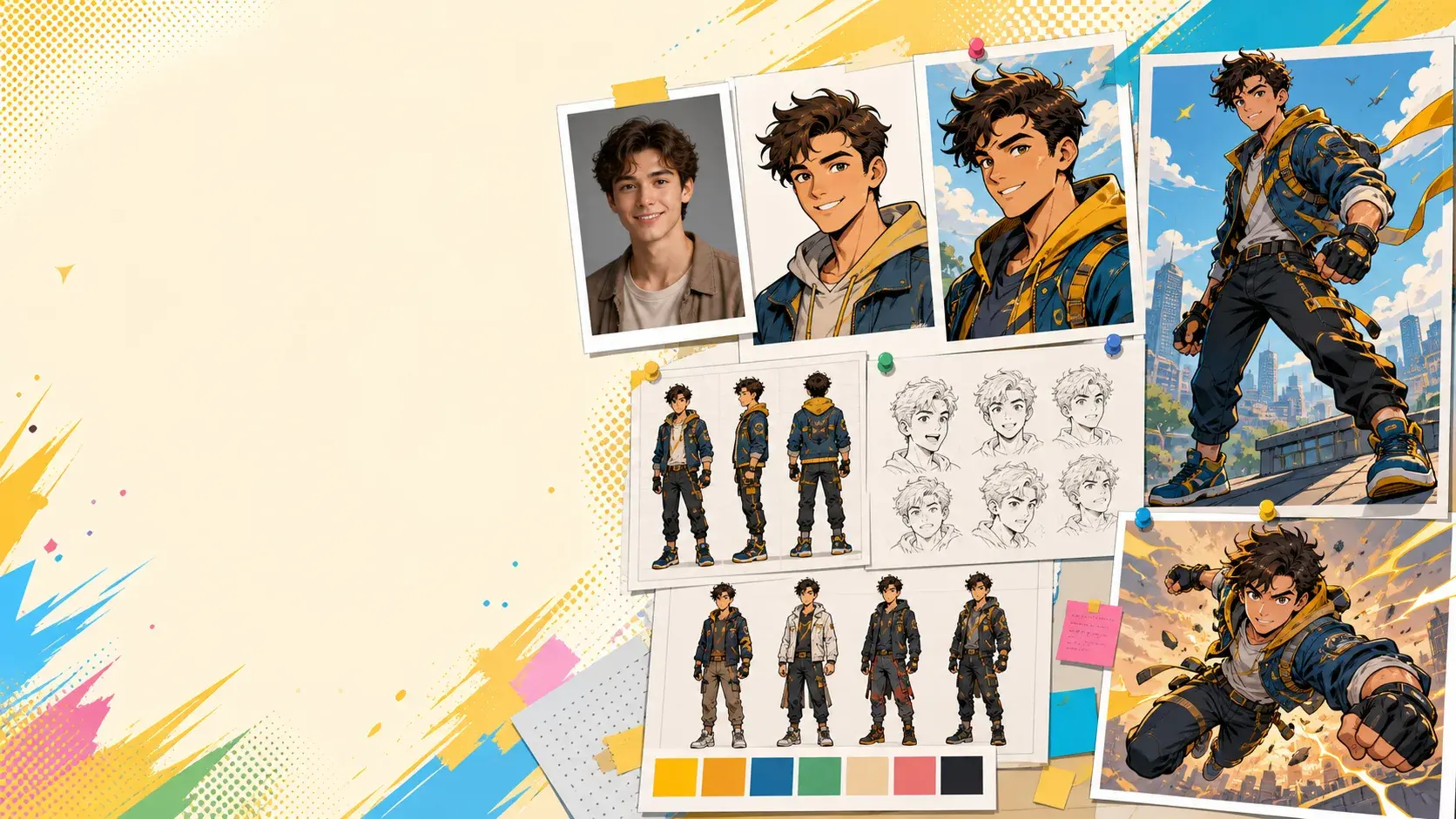
Create yourself as a hero
Use your photo as a starting point for a comic version of yourself.
Photo to comic character
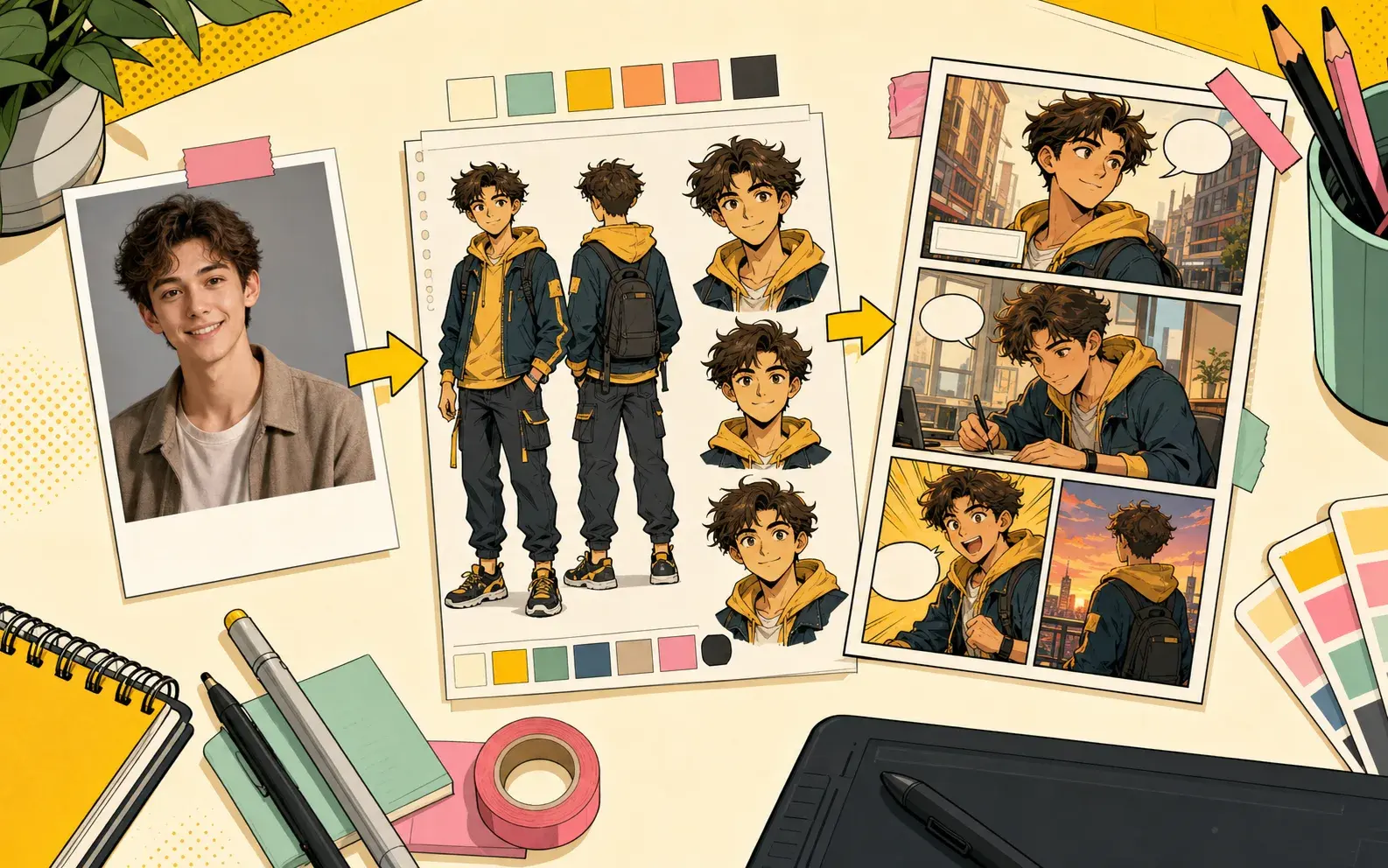
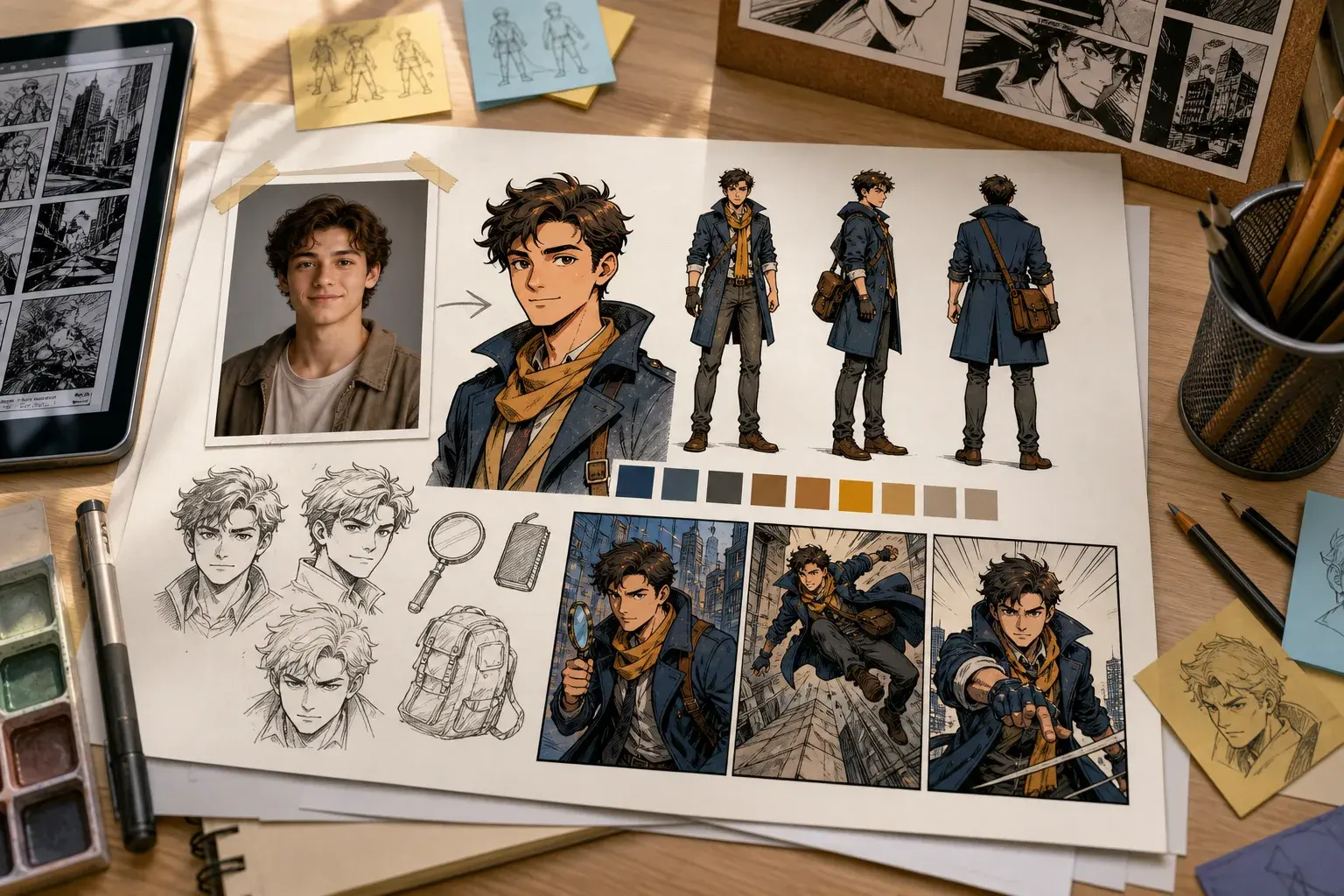
Upload a character photo, create a stylized comic character, and use that character in AI-generated comic or manga pages.
Character creation
Photo-based characters help your comic feel closer to your friends, original cast, or role-play idea.
Use your photo as a starting point for a comic version of yourself.
Create multiple characters before writing a longer comic story.
Reuse characters so the cast remains familiar across generated pages.
Workflow
PixComic connects character creation with comic generation so the result is ready to use.
Start with a clear character photo and add a simple name or description.
Use comic, manga, manhwa, or other styles to match the story mood.
Place the character in a prompt and create pages around that character.
Real examples
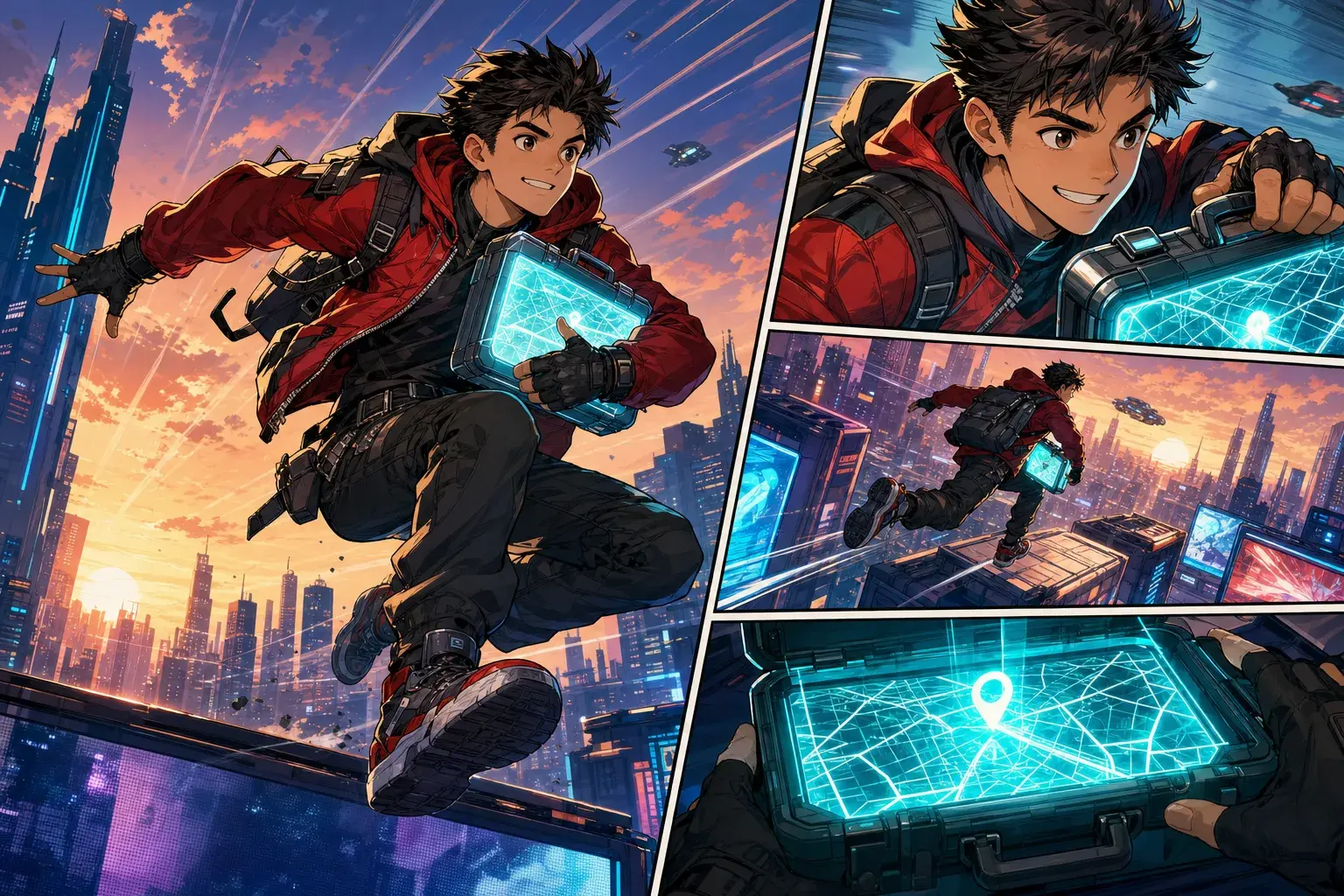
Use these starting points to create comic pages, character sheets, strips, manga scenes, and story-driven pages inside PixComic.
AI Character Generator
Introduce this character as a cheerful apprentice inventor wearing a yellow hoodie and utility backpack. Show their workshop, favorite gadget, and the moment the gadget sparks to life.
Use after creating a character from a photo or description.
Use this promptStory to Comic
Two childhood rivals meet on a rooftop after years apart. One wants to apologize, the other hides a secret mission, and the scene ends when both hear the same alarm.
Good for relationship conflict, expressive faces, and a clear next-scene setup.
Use this prompt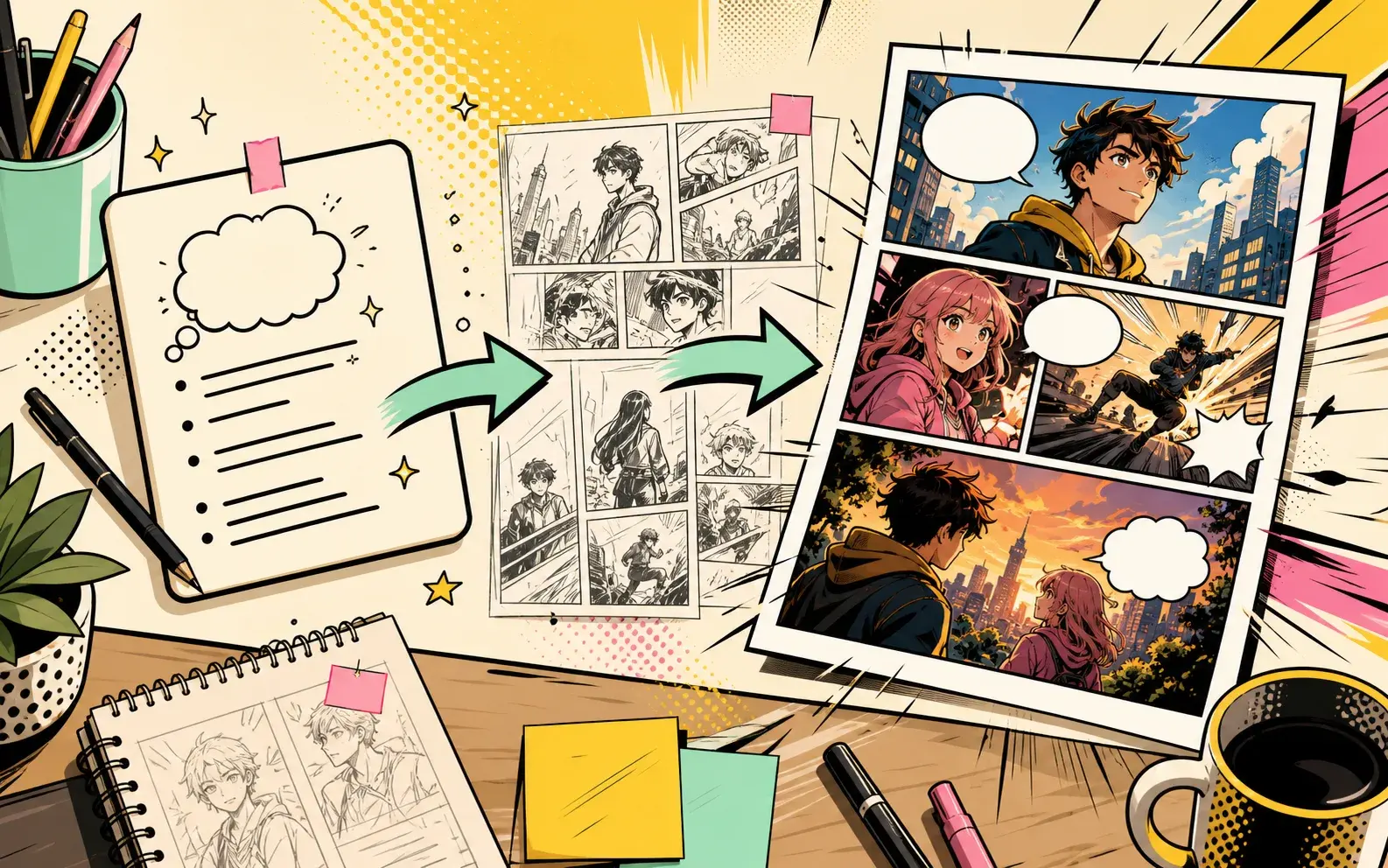
Comic Book Maker
A detective follows glowing footprints through a midnight parade, finds the missing mayor inside a parade float, and discovers the mayor is smiling at someone behind the detective.
Built for multi-page pacing with discovery, tension, and a final reveal.
Use this prompt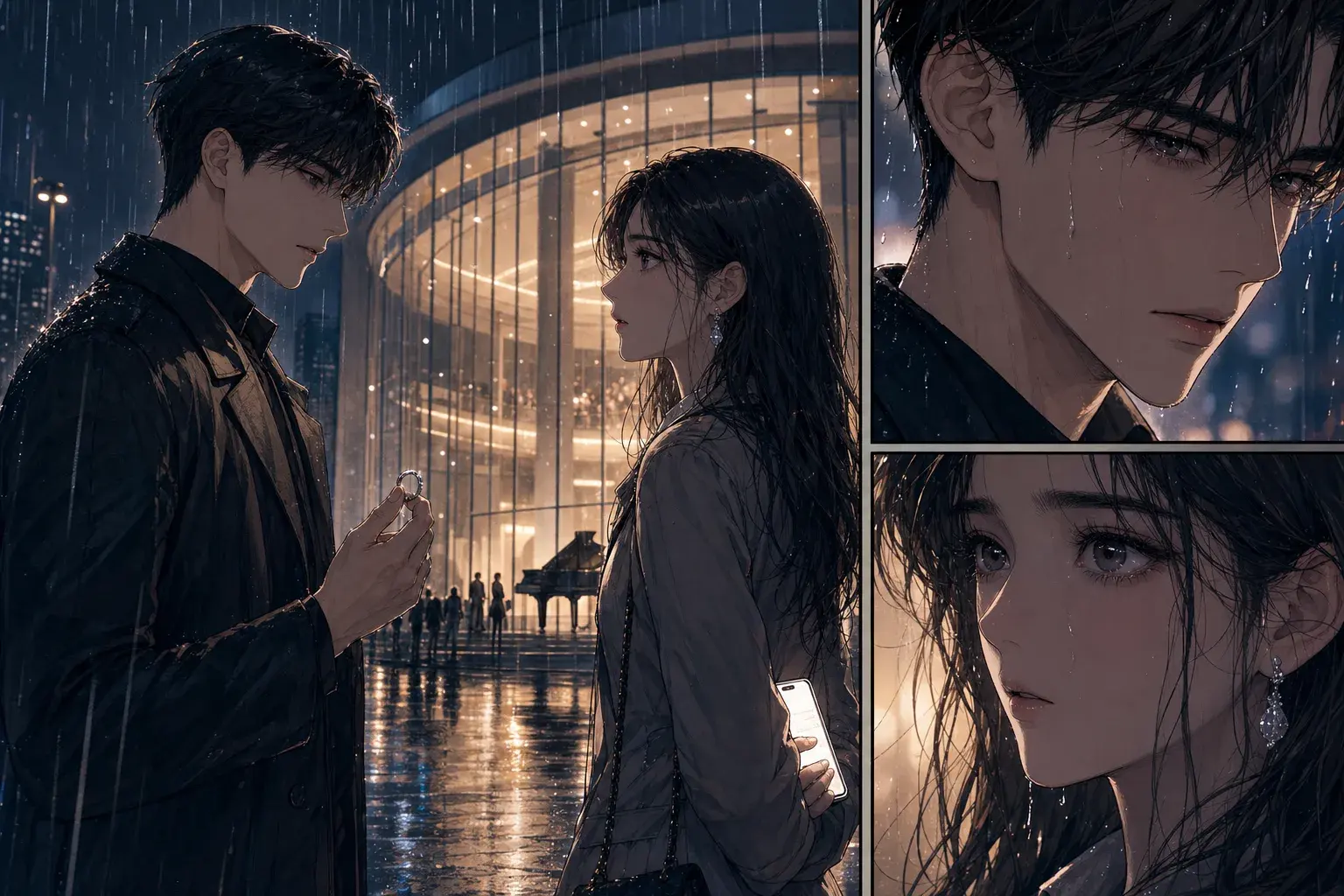
Manhwa Generator
A scholarship student meets the school heir under cherry blossoms after seeing their secret message. Use elegant modern outfits, intense eye contact, and end when another student photographs them.
Designed for emotion, fashion, and a final social-drama hook.
Use this promptPrompt examples
Each example is written for this exact tool intent so the page is useful to readers and not a repeated landing page.
AI Character Generator
Introduce this character as a cheerful apprentice inventor wearing a yellow hoodie and utility backpack. Show their workshop, favorite gadget, and the moment the gadget sparks to life.
Use after creating a character from a photo or description.
Use this promptStory to Comic
A teenage courier finds a sealed map inside a rainy train station locker. The map glows when a stranger enters, and the final panel reveals the courier name written on it.
Use this when the story needs a clean hook and one strong reveal.
Use this promptComic Book Maker
A street magician accidentally stops a collapsing bridge with real power, then sees a symbol burn into every card in the deck. End with a masked watcher in the crowd.
Strong for first-chapter concepts because it introduces power, danger, and a hook.
Use this promptWhy PixComic
A generic image generator can make a picture. PixComic focuses the workflow around story pages, reusable characters, comic styles, and creator-ready prompts.
Focused tool pages
These pages do not invent separate tools. Each one routes into the existing creator with the relevant style or prompt intent.
Create reusable comic characters from photos and descriptions.
Create characters before writing a longer comic so the cast can appear across scenes.
Add a new character from the create flow or characters area.
Introduce this character as a cheerful apprentice inventor wearing a yellow hoodie and utility backpack. Show their workshop, favorite gadget, and the moment the gadget sparks to life.
Turn a plot, scene, or character beat into readable comic pages.
Convert a scene, character moment, or plot beat into visual pages before committing to a longer story.
Start with a compact prompt that names the cast, setting, mood, and conflict.
A teenage courier finds a sealed map inside a rainy train station locker. The map glows when a stranger enters, and the final panel reveals the courier name written on it.
Create multi-page comic drafts from prompts and reusable characters.
Draft an opening sequence with enough pages to test character, pacing, and tone.
Create or select the characters that should appear in the comic.
A street magician accidentally stops a collapsing bridge with real power, then sees a symbol burn into every card in the deck. End with a masked watcher in the crowd.
FAQ
Yes. The character flow includes image upload and optional description fields.
Yes. Created characters can be selected again for later comic prompts.
No. Characters can be used with multiple visual styles.
No. It is a focused entry point into the real PixComic create flow for story-first comic generation.
Yes. Create or select characters first, then use them inside the story prompt.
Yes. The create flow supports multiple page counts for short or longer comic drafts.
PixComic creates comic pages from each prompt and supports continuing the story scene by scene.
Yes. Reusing characters helps the same cast appear across generated pages.
Generated comics can be exported from the comic reader when the pages are ready.
Each page focuses on a different way to turn ideas, photos, and stories into comic pages.
Focused tool pages
PixComic guides
Open PixComic, write a short prompt, choose a style, and generate a comic you can continue, share, or download.
Start creating