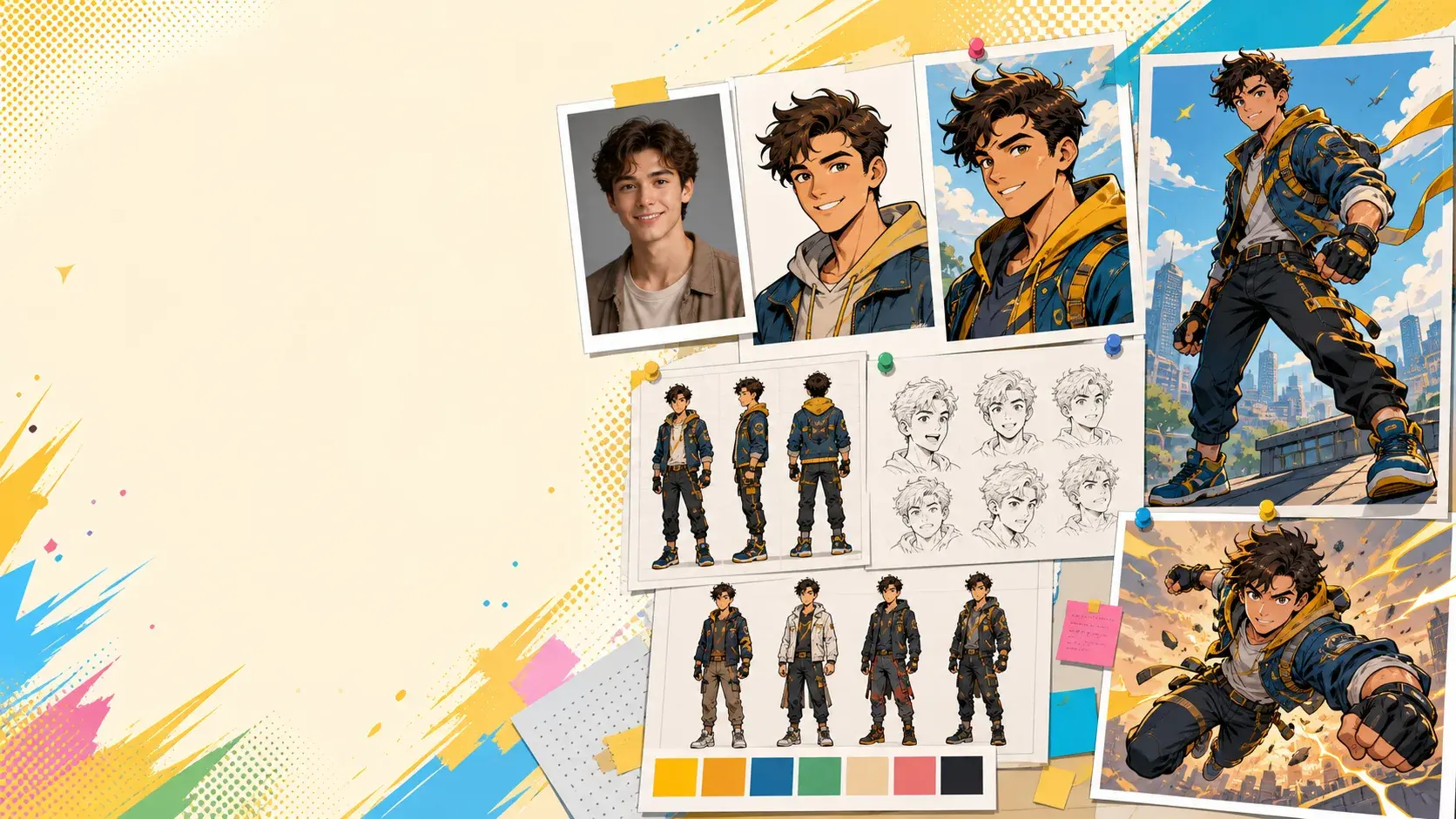
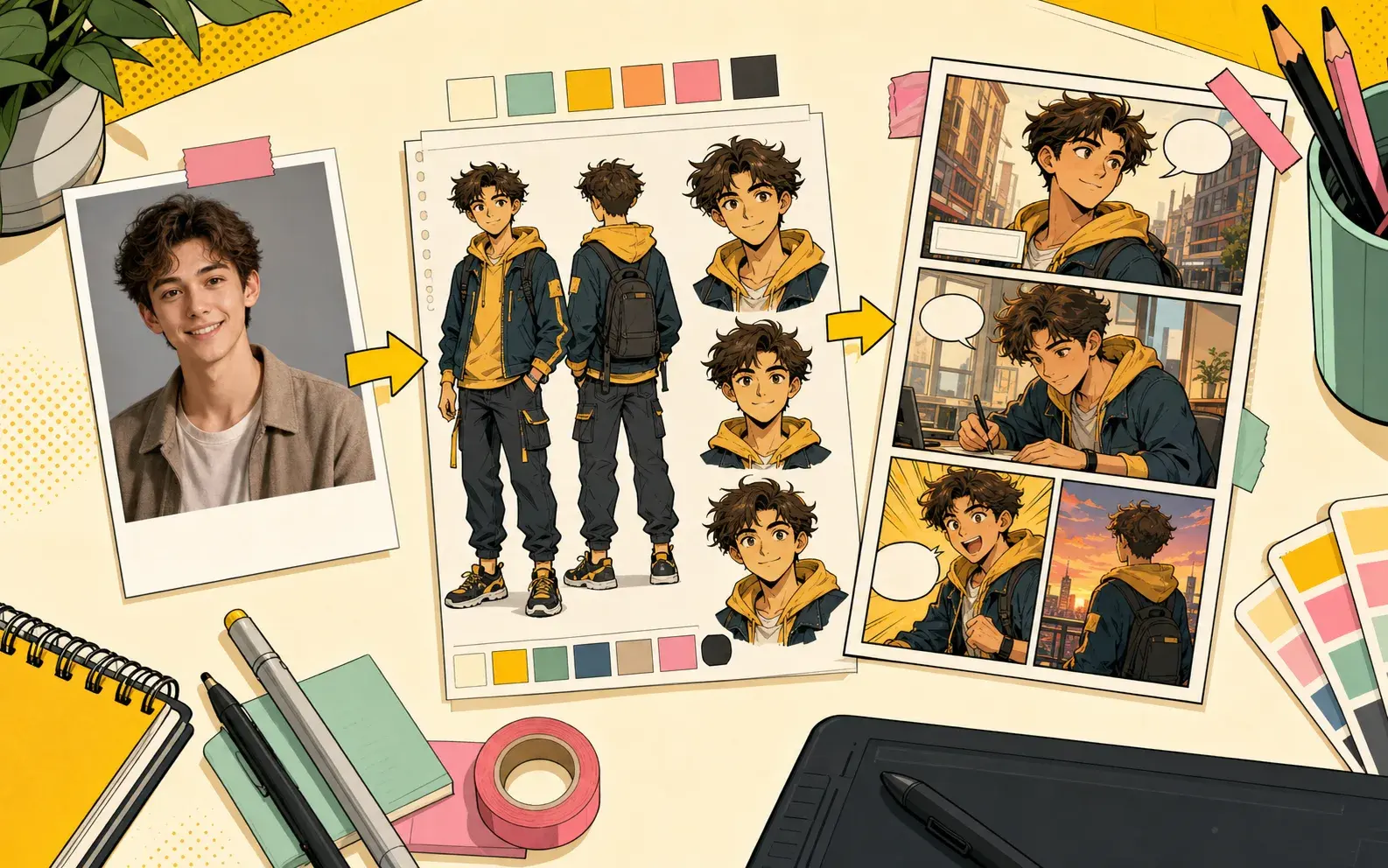
Real PixComic workflow

AI Comic Character Generator

PixComic has a real character creation flow where users can upload an avatar photo, add a name and description, then use that character in comics.

Photo upload
Character descriptions
Reuse in comic pages

Prompt examples

Theme-specific prompts to try

Each example is written for this exact tool intent so the page is useful to readers and not a repeated landing page.

Before you generate, check

  • The character role is explicit
  • Outfit and personality are described
  • The scene proves how the character behaves

Character intro

Introduce this character as a cheerful apprentice inventor wearing a yellow hoodie and utility backpack. Show their workshop, favorite gadget, and the moment the gadget sparks to life.

Use after creating a character from a photo or description.

Use this prompt

Personality test

Show this character helping a nervous friend before a school festival. Make the character kind, quick-thinking, and slightly chaotic, with one expressive close-up.

Useful for testing whether the character role reads clearly.

Use this prompt

Reusable cast moment

Place this character with two recurring teammates in a quiet cafe before a mission. Show their outfit, relationship dynamic, and the clue that interrupts them.

Good for building a reusable cast before longer stories.
Use this prompt

Use cases

When to use AI Character Generator

These examples match what the current PixComic creator can actually do.

1

Original cast building

Create characters before writing a longer comic so the cast can appear across scenes.

2

Photo-based heroes

Use a photo reference to start a character that feels personal and recognizable.

3

Style exploration

Try the same character in comic, manga, manhwa, or manhua styled stories.

Workflow

How this connects to the creator

1

Open character creation

Add a new character from the create flow or characters area.

2

Upload and describe

Provide a photo, name, gender, and optional description.

3

Use in a comic

Select the character and write the scene where they should appear.

AI Character Generator example 1
AI Character Generator example 2
AI Character Generator example 3

FAQ

Clear expectations before you create

Does PixComic support photo upload?

Yes. The character flow includes image upload and optional description fields.

Can characters be reused?

Yes. Created characters can be selected again for later comic prompts.

Is this only for manga?

No. Characters can be used with multiple visual styles.