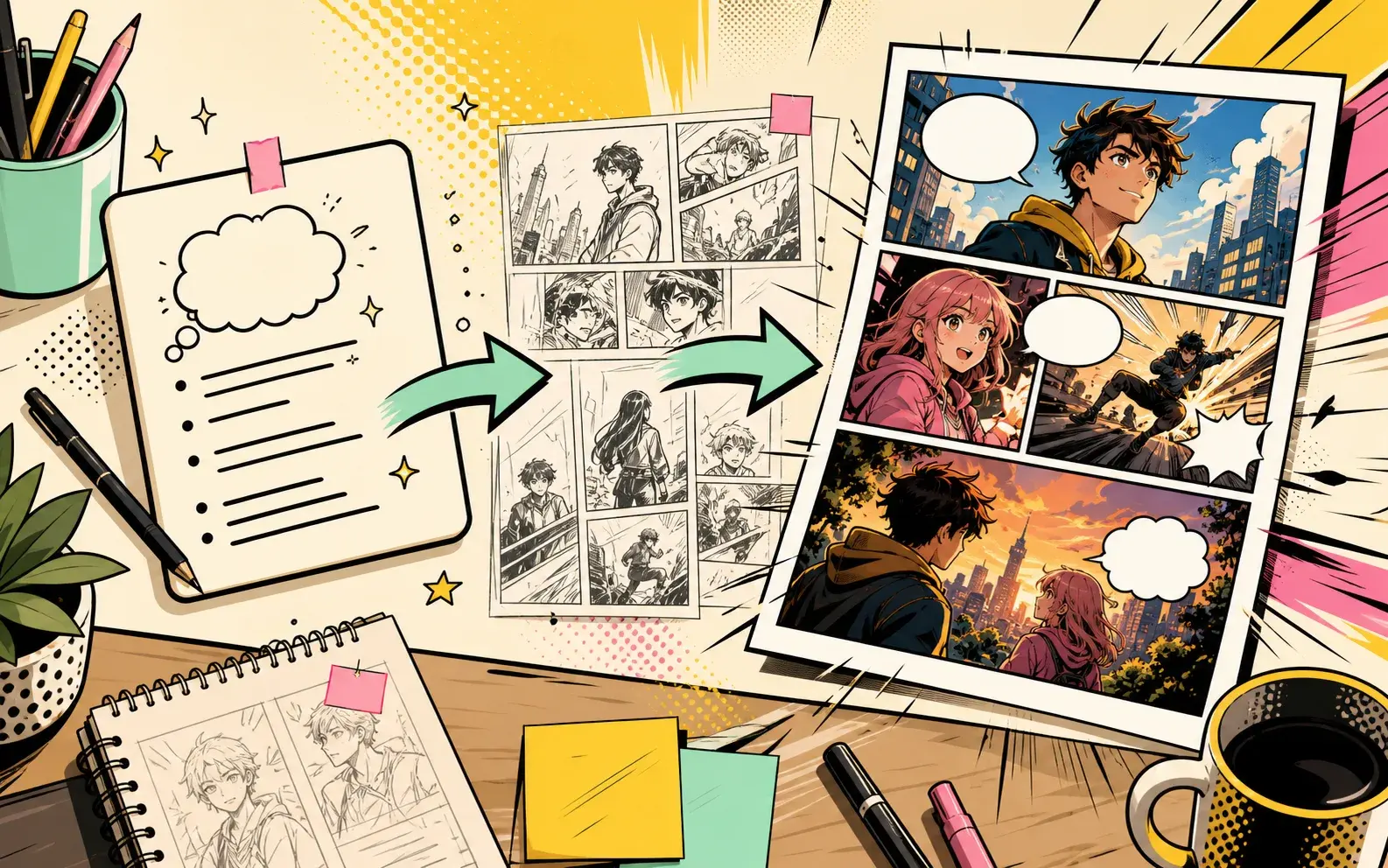
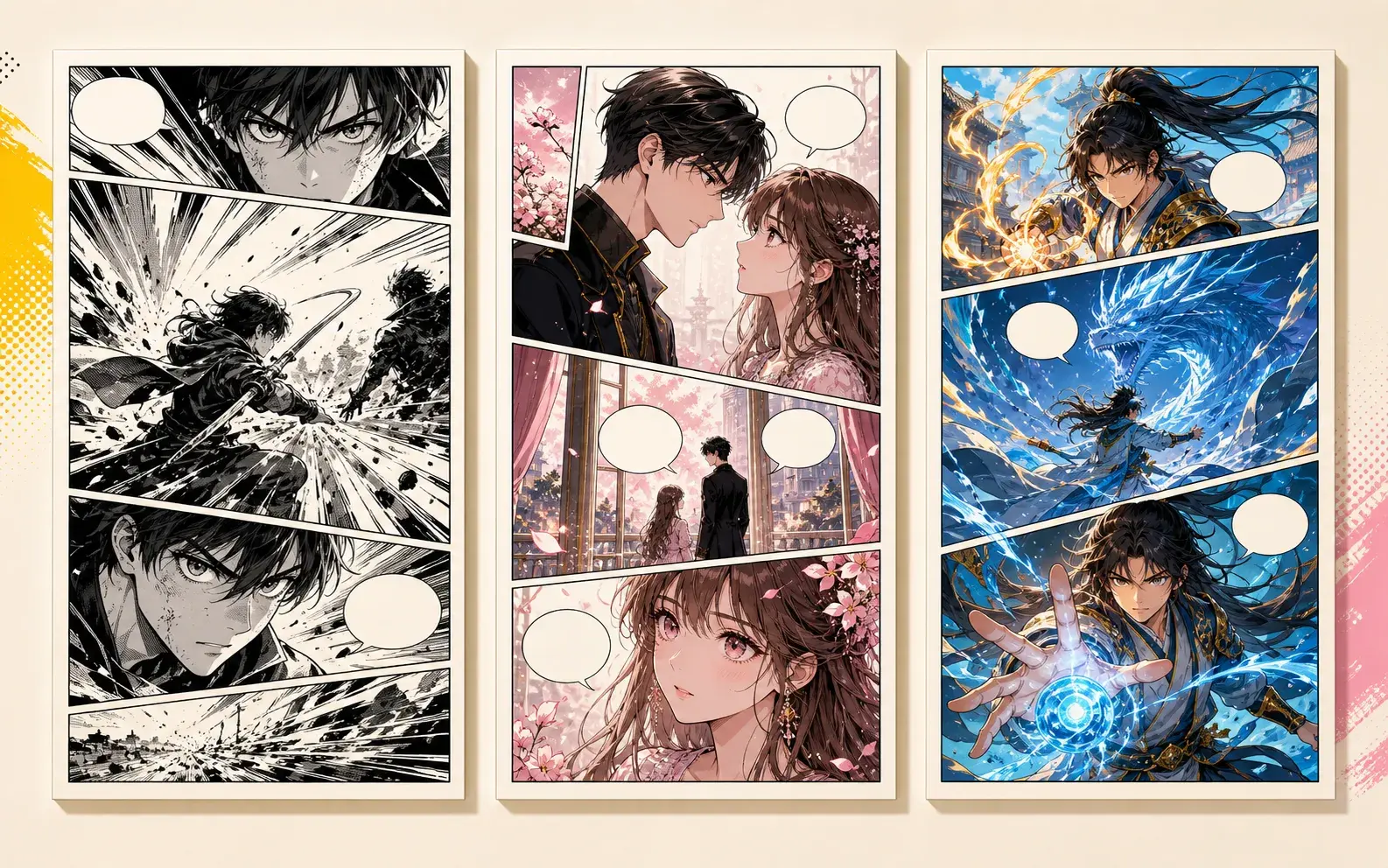
A young rooftop courier discovers a glowing city map, notices a drone patrol, and must decide whether to deliver the secret or save a friend. Show the main character, the place, the immediate problem, the visual style, and a final panel that changes the situation.
Best for starting a new comic page with a readable story beat.
A young rooftop courier discovers a glowing city map, notices a drone patrol, and must decide whether to deliver the secret or save a friend. Add one clear relationship conflict, two reaction panels, and a final close-up that reveals what the character wants.
Use this when the comic needs emotion, stakes, or a sharper character decision.
A young rooftop courier discovers a glowing city map, notices a drone patrol, and must decide whether to deliver the secret or save a friend. Continue from the previous page with a stronger obstacle, keep the same character anchors, and end on a visual cliffhanger.
Good for expanding a first result without rewriting the whole story.
A strong prompt for AI comic story prompts names the character, location, conflict, visual style, and final panel. That is enough structure for PixComic to make a scene instead of a generic image.
Keep the prompt compact. If every panel is over-specified, the page becomes harder to steer.
How to edit the prompt
Change one variable at a time: role, setting, mood, style, or ending beat. This makes it easier to understand why the next result changed.
If the image is close, continue from the best result and adjust the conflict instead of replacing the whole prompt.
When to use this set
Use this set when your search intent is AI comic story prompts and you want a real creator flow rather than a static list of generic AI art ideas.
Open the related PixComic tool to prefill the prompt and keep the workflow connected to actual comic creation.